
Shape it. Scoop it. Carve it. Light it. The technical challenges behind a pumpkin you can make your own.
A family of pumpkins,
from one generator.
A pumpkin needs unevenness that feels grown. The challenge is varying its ribs without losing a coherent form.
- Outer rind
- The outside silhouette and its material coordinates
- Flesh / skin boundary
- The material beneath the skin, exposed by cuts and shaves
- Interior cavity
- The space available to pulp, tools and light
Each rib has its own width, depth and crest radius. Smooth transitions join its neighbours, while a consistent angular layout carries each groove from crown to base.
The generator describes three boundaries: outer rind, flesh beneath the skin and interior cavity. Each can vary independently, giving the crown, sides and base the thickness they need for cutting, scooping and light.
A saved recipe records proportions, ribs, surface settings, pattern seed and stem choices. It reproduces the same pumpkin through later tools. The same generator supports the flatter, taller, pear-shaped and uneven forms now seen in the app’s patch.
Presets are starting points.
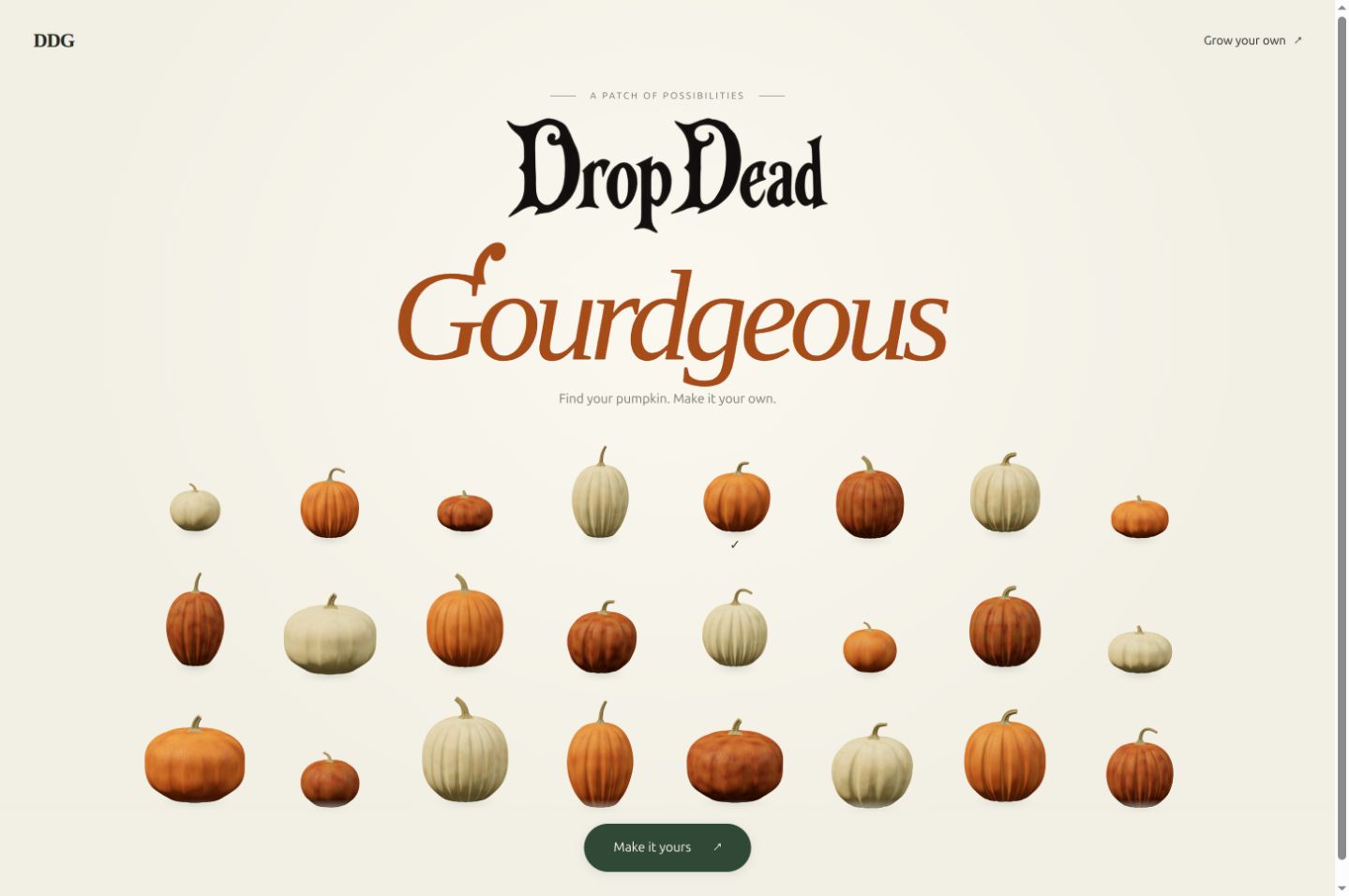
The live patch currently offers 48 starting pumpkins. Flat, deeply ribbed forms sit beside narrow towers, pear shapes, broad shoulders, tiny white pumpkins and sagging giants. Orange, red-orange, cream, tan and blue-grey rinds broaden the family further.
Each one is a configuration of the shared generator. The gallery samples that range; the controls let a maker move beyond those starting combinations. Choosing a preview hands its saved recipe to the same tools that shape, carve and light the pumpkin.
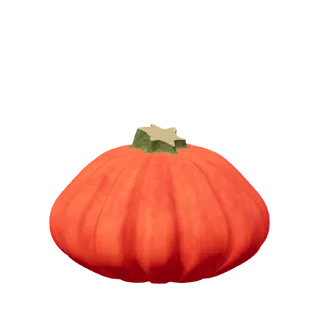
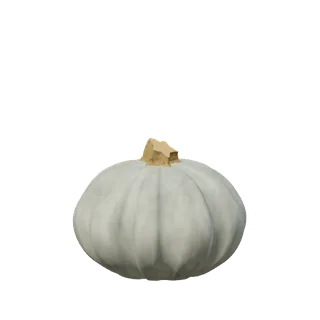
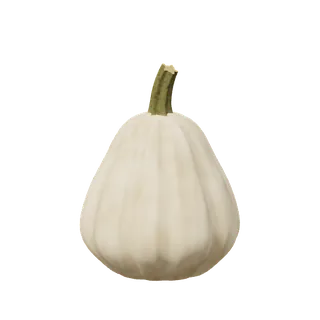
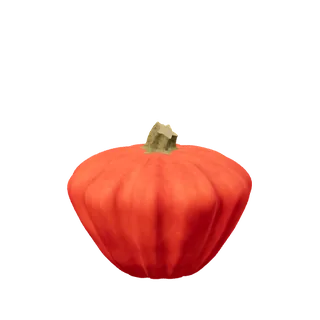
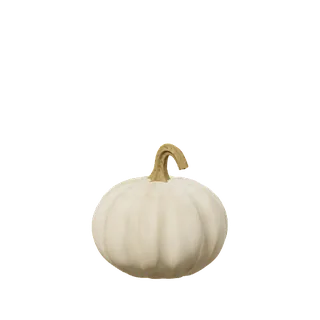
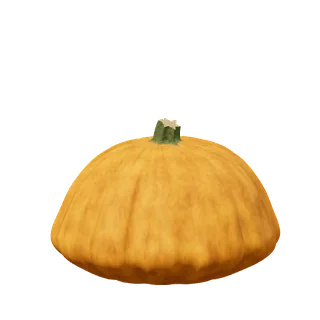
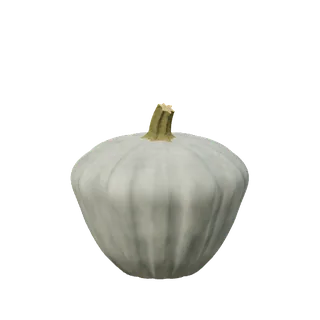
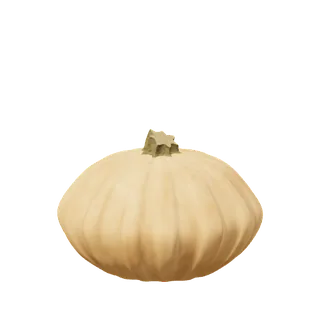
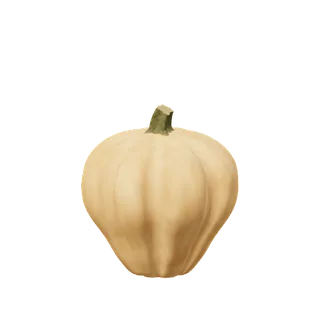
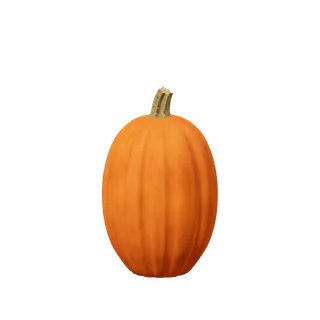
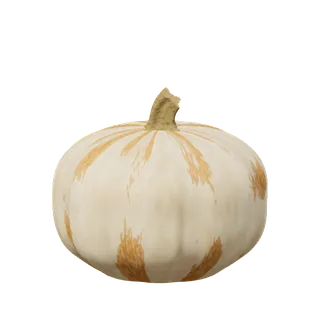
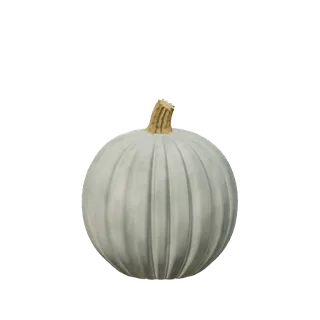
Browse the other 36 starting pumpkins
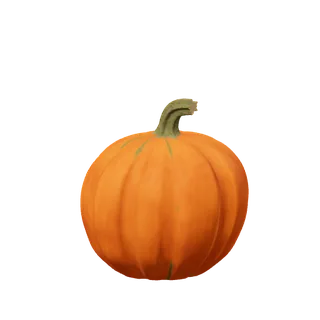
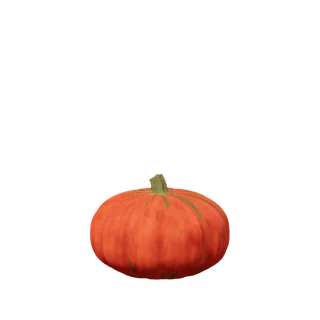
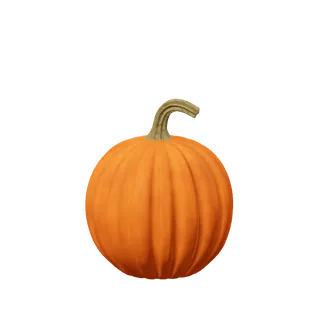
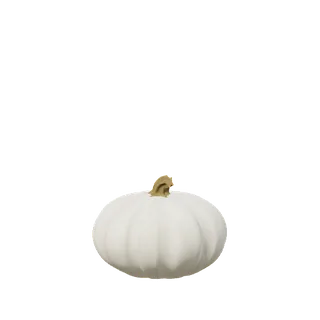
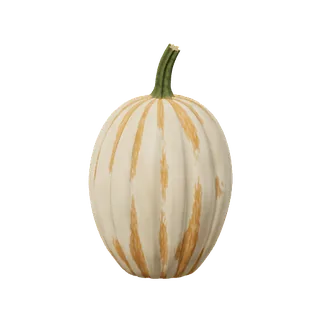
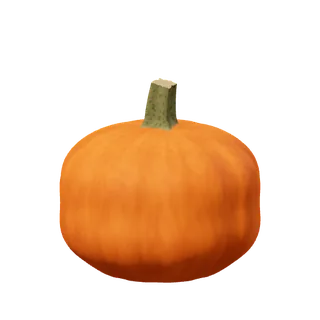
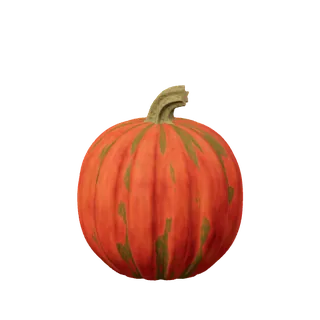
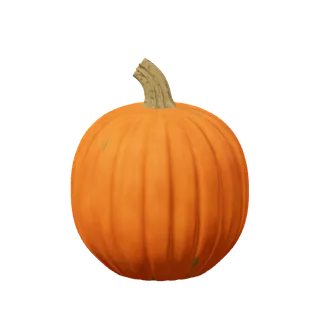
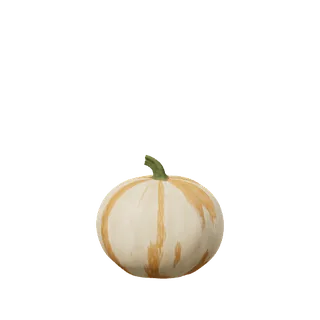
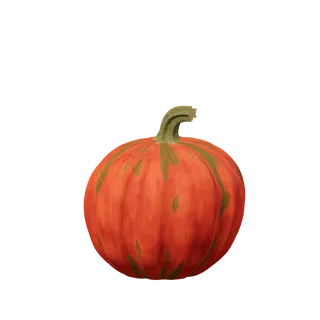
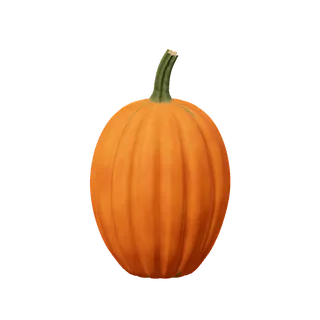
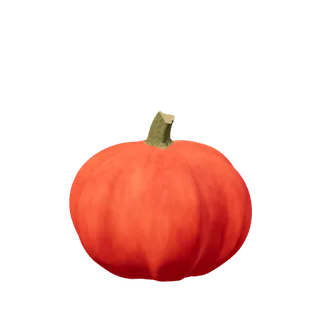
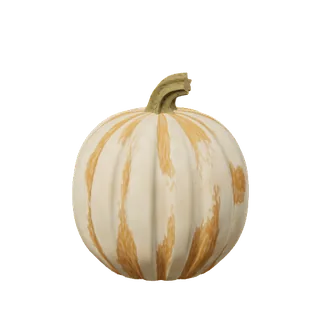
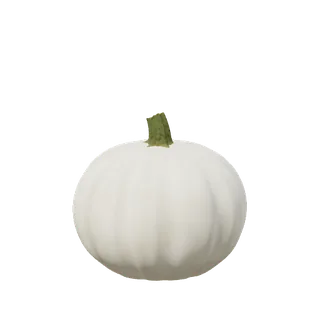
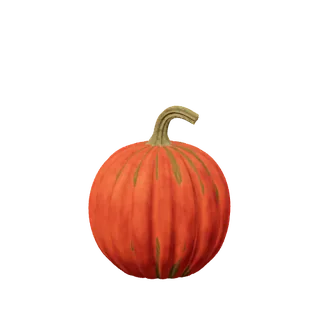
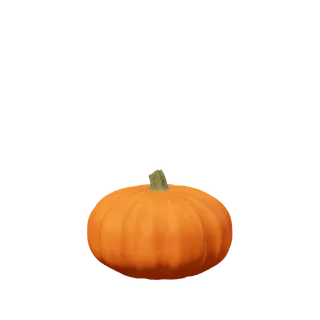
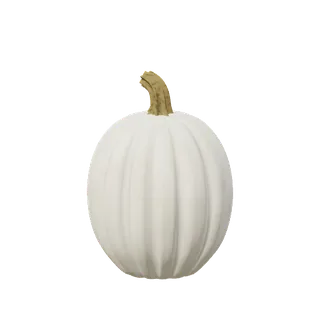
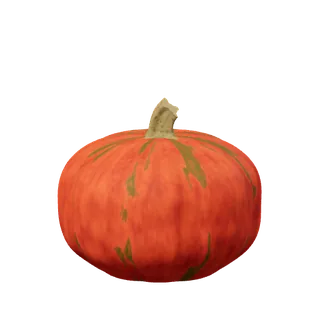
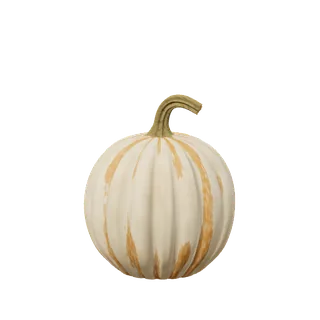
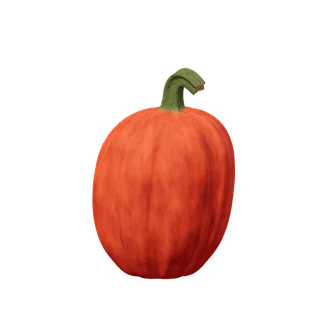
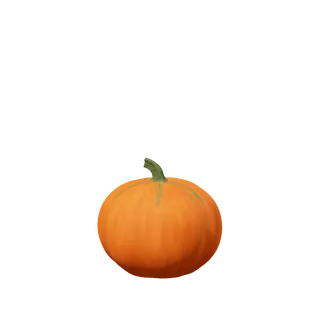
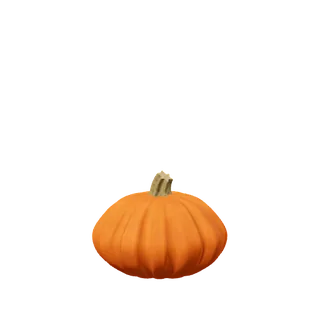
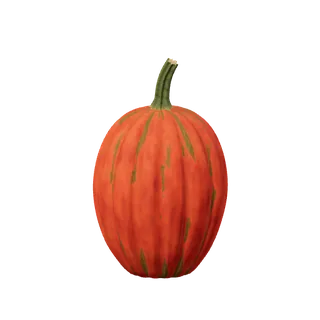
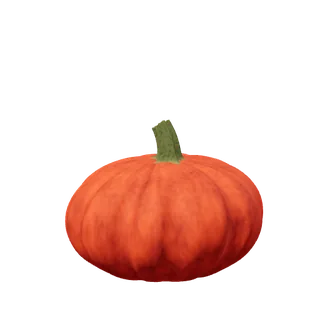
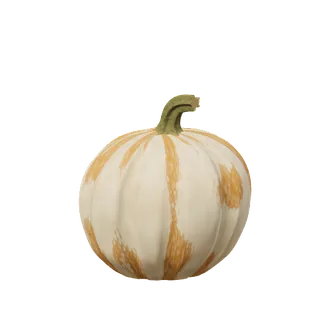
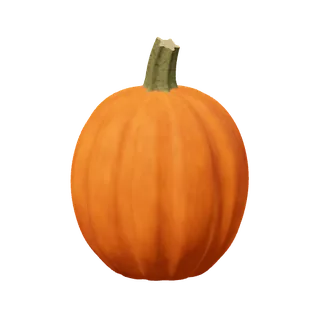
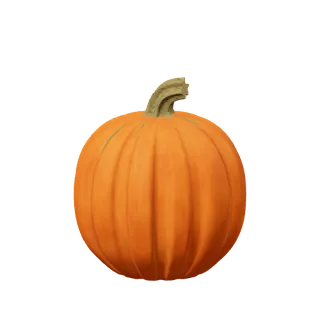
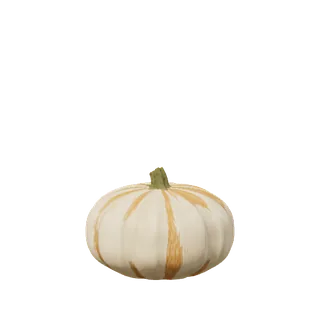
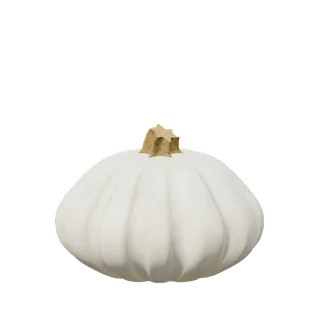
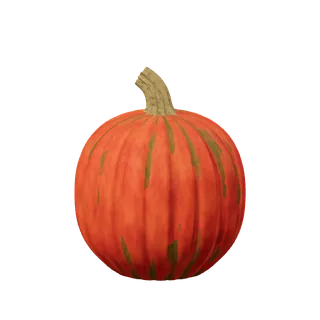
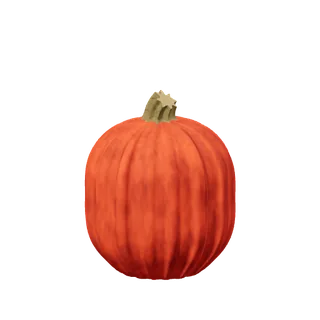
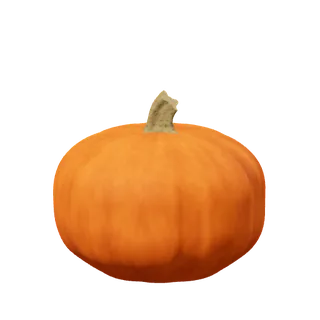
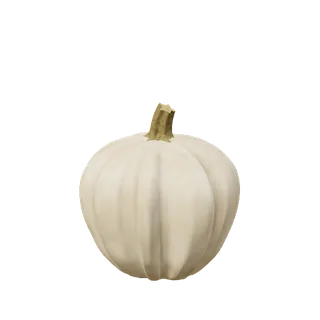
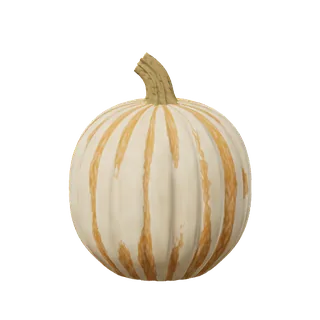
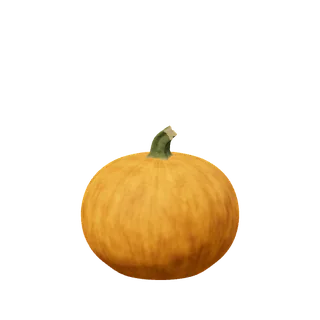
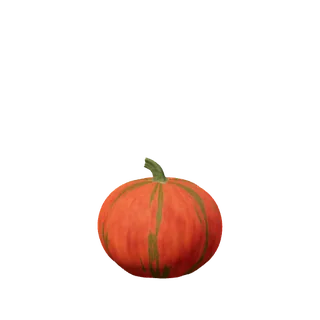
The current patch has 48 starting recipes. These previews come from the live app’s own renderer and are individually framed. Presets include cultivar-inspired forms and original designs; they are starting points for editing. Images load as needed, without a 3D renderer on this page.
One recipe, several dimensions of variation.
The recipe is plain, versioned JSON. It records the choices needed to rebuild the pumpkin, from its proportions to its surface pattern. Shape, colour and stem settings can change independently within the generator’s supported ranges.
- Body
- Size, height, lean, fullness, upper and lower bulges, and local flattening.
- Lobes
- Count, depth, seam width, crest shape, unevenness and adjustments to individual panels.
- Rind
- Colour, mottle coverage, pattern scale and contrast, fine variation, sheen and relief.
- Stem
- Length, width, bend and curl, plus a separate appearance variant for grain and dryness.
- Wall
- Crown, side and base thickness, which determine the cavity and the flesh available to cut or shave.
A seed is a repeatable starting number for a procedural pattern. The rind’s patternSeed accepts 4,096 values. In Colour mode, tapping the pumpkin advances the seed and lays out a new mottle pattern while keeping its shape and other recipe fields. Coverage, scale and contrast remain separate choices.
The stem has its own seeded appearance: four saved variants pair a stable grain seed with a dryness setting. A different rind pattern therefore does not unexpectedly reshape the stem or change its finish. These seeds select repeatable detail; the broader silhouette is described by explicit shape controls.
A few fields from the blue-grey pumpkin opened in the current app:
{
  "version": 3,
  "height": 0.9,
  "ribCount": 10,
  "stemWidth": 1.8,
  "stemVariant": 3,
  "patternSeed": 12
}
The full link carries every recipe field. Open this saved recipe in the app
Make the shape
answer to a gesture.
A useful control turns a small gesture into a clear change in silhouette.
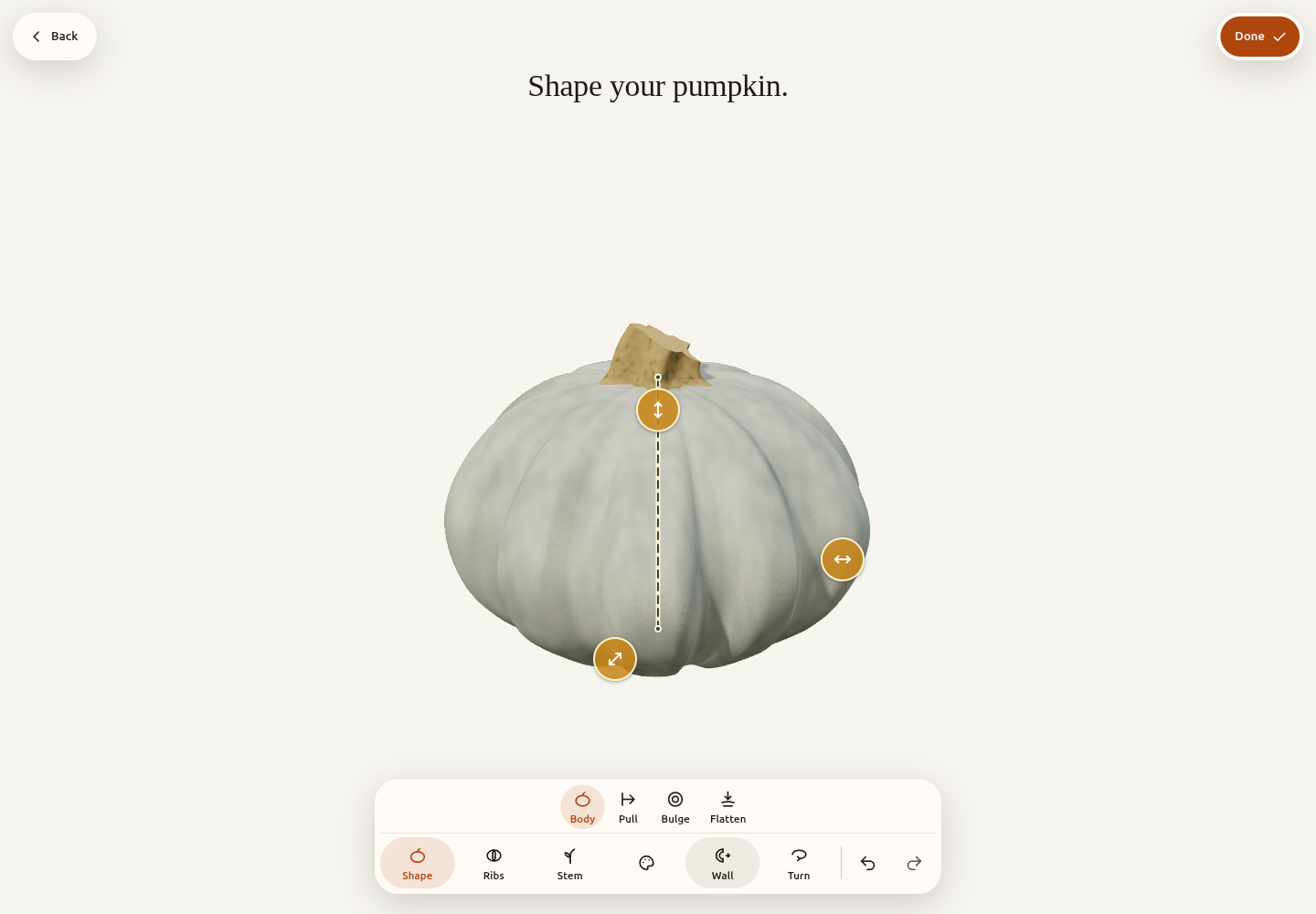
Change the pumpkin shape
100% height · 100% width · 8 ribs.
Pull, stretch, widen, lean or flatten the pumpkin while watching its silhouette. Height, fullness, bulges and rib expression become controls on the object.
The inner layers follow the same recipe. A volume-preserving height edit compensates in width; a broader shape must still leave a usable crown and cavity.
The generator rebuilds from the recipe instead of accumulating mesh edits. Before carving, the shape is frozen. Changing it afterwards would require rebuilding and replaying the cuts.
A stem gives the pumpkin its character.
A short, thick handle and a long hook change the same body’s expression. Grow, Width, Bend and Curl control different parts of that shape: length, thickness, overall lean and the turn near the tip. Keeping them independent matters. A curl drag should not quietly lengthen or thin the stem to make the request fit.
The construction uses an established cross-section sweep: a ribbed profile travels along a guide curve. Transporting its orientation along the curve keeps the flutes from twisting unexpectedly. Broad pigment, lengthwise grain and surface relief give the stem a different material from the waxier rind.
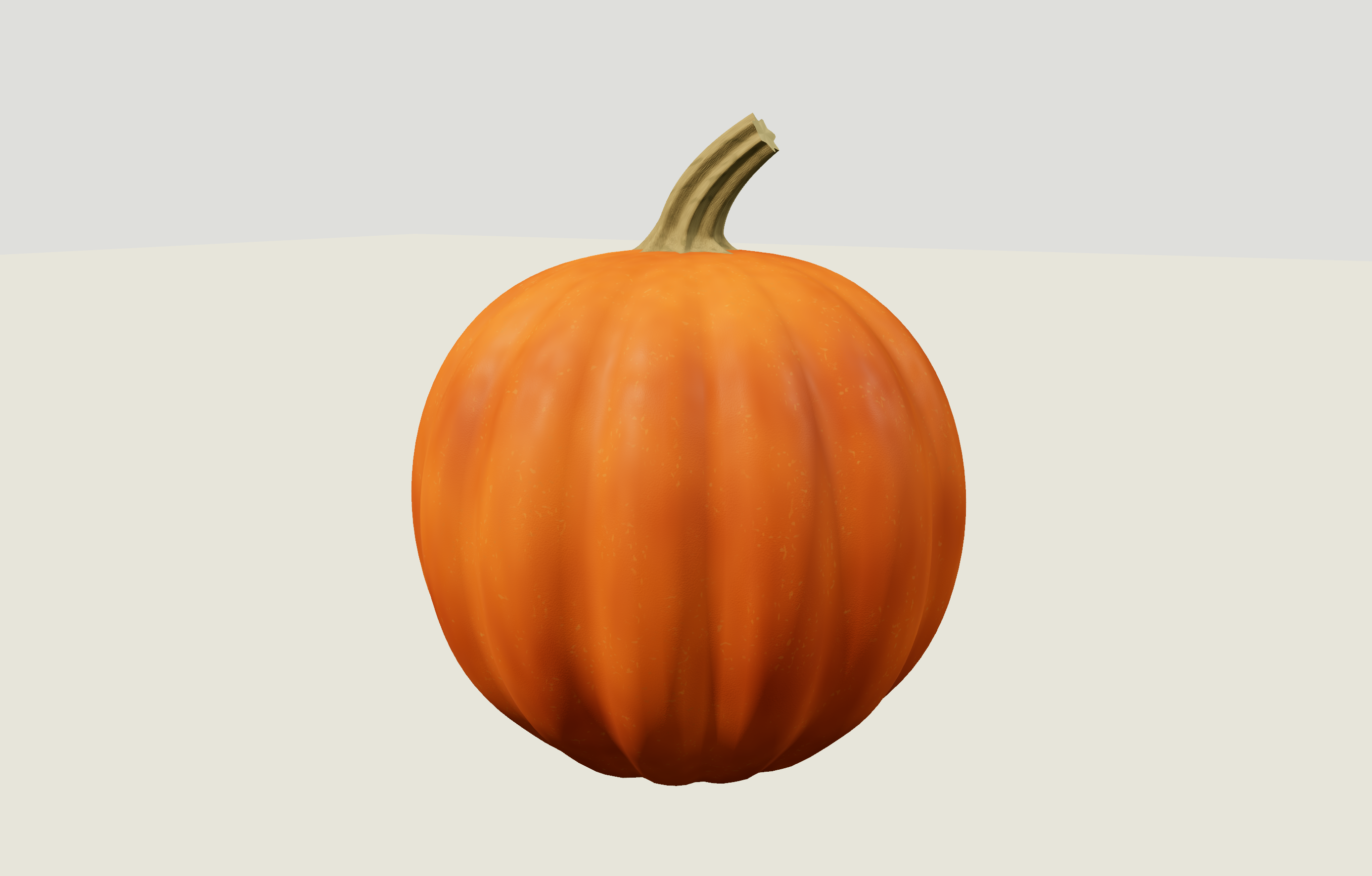
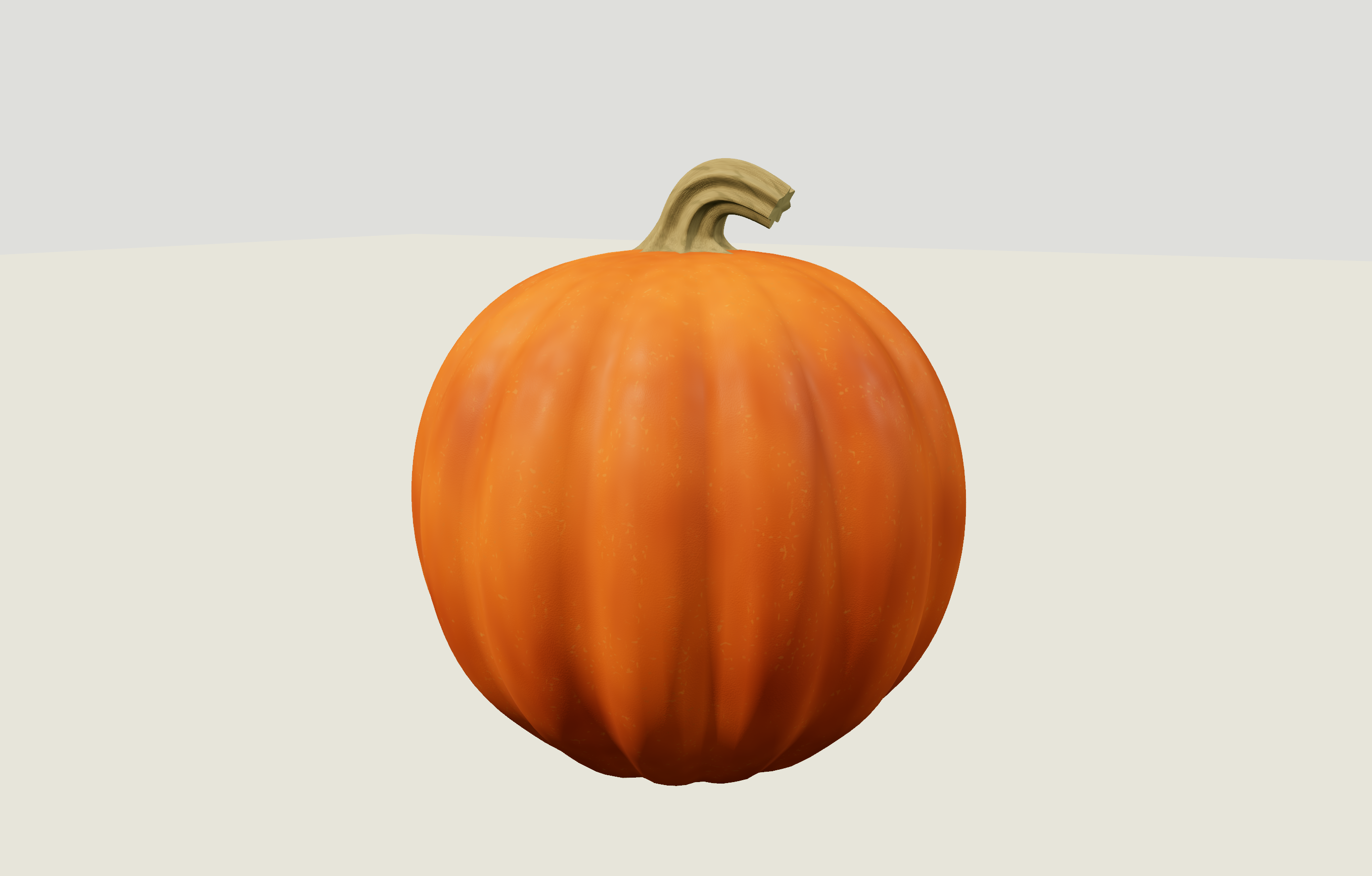
Where the stem meets the lobes.
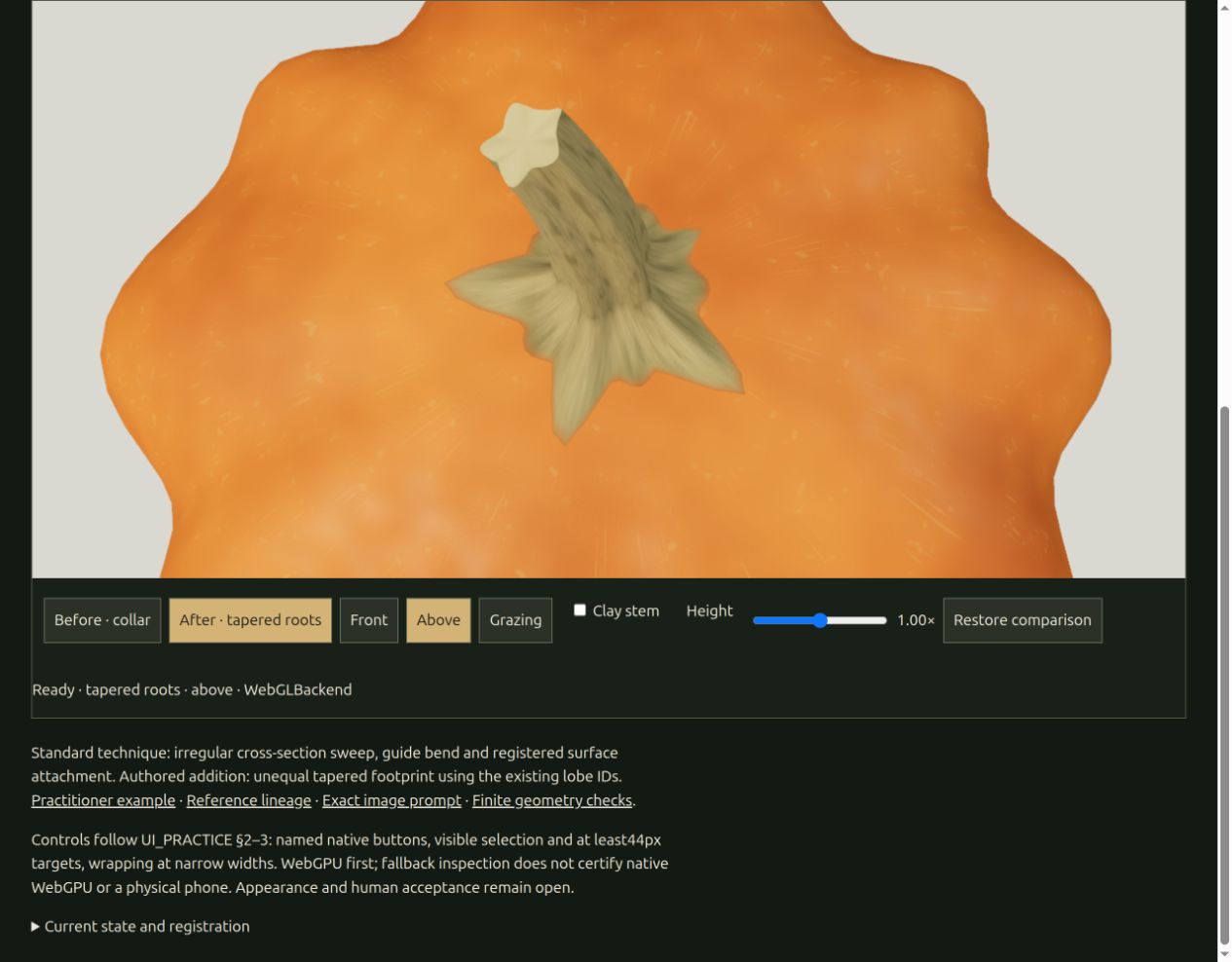
The base spreads across the crown with unequal, tapered reaches. Its boundary samples the pumpkin’s actual rind triangles. When the body grows wider or its lobes change, the attachment is recalculated against that surface.
Body and stem share the same angular description of the lobes. Stem flutes line up with selected lobe crests, and smaller ridges continue through the join. This is an authored growth pattern for this pumpkin family, rather than a botanical rule.
The root study replaced a rounded collar with a flatter, irregular footprint. The later controls preserve the chosen stem width during body edits and report combinations that exceed their bounds. They leave the dimensional choice with the maker.
Procedural textures
and shaders.
Build the rind from colour patterns, roughness and fine surface detail.
Complete material
Diffuse contribution
Specular contribution
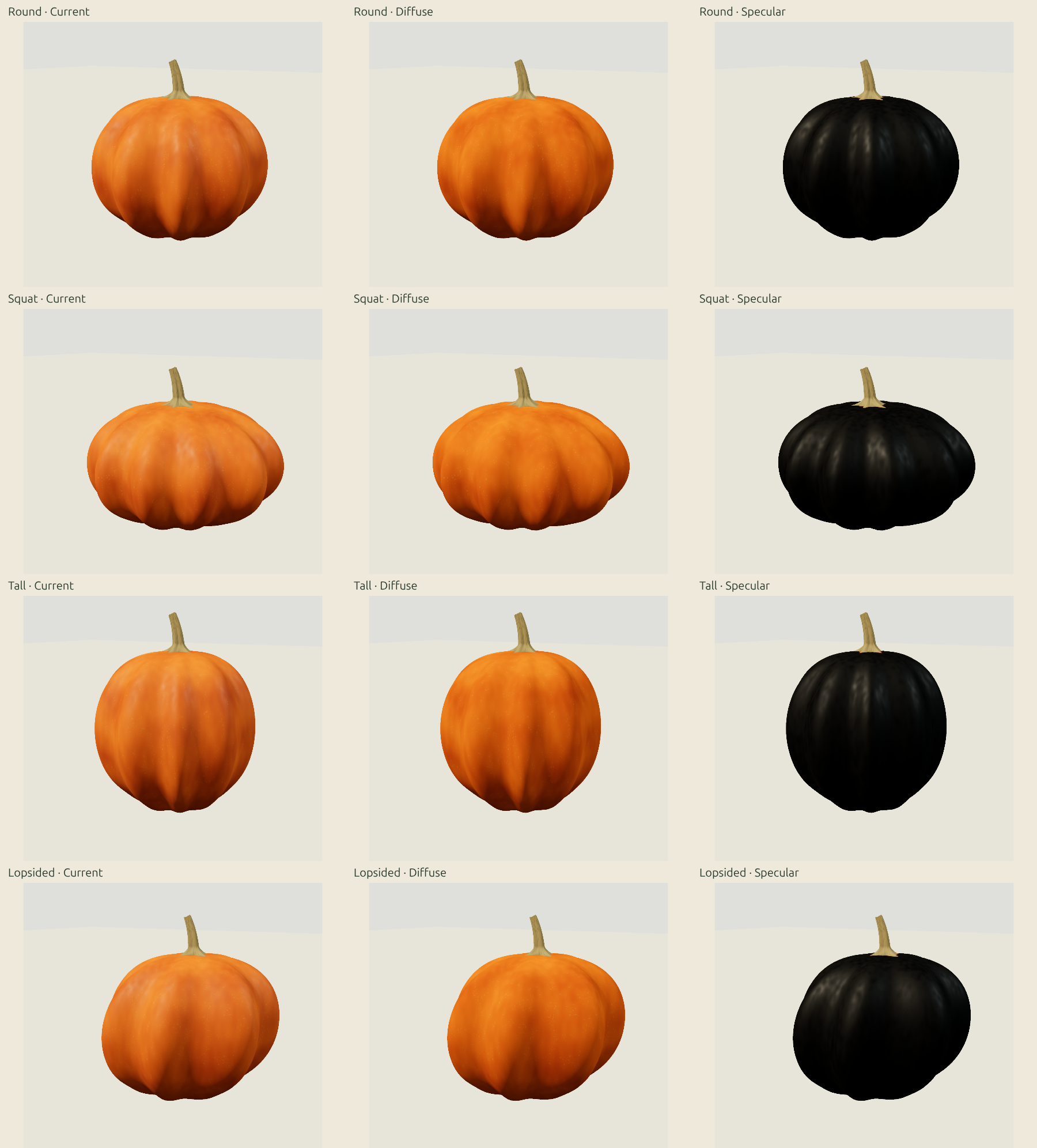
Broad pigment changes, elongated mottles, flecks and wax variation work at different scales. Fine relief changes the shading normal; actual geometry gives the ribs their shadows.
The shaders sample a fixed reference position, restPosition, so the texture stays aligned when a carved piece moves. Surviving faces keep their texture attributes; new cut walls get a separate flesh material.
Derivative-based filtering fades details smaller than a screen pixel, reducing shimmer. The materials use Three.js Shading Language node shaders, with values authored for this pumpkin family.
Pigment, mottles and flecks
Wax, roughness and fine normals
Actual ribs and the light falling on them
Wet fibres
should not act like rubber.
A scoop gathers a connected mess: peel it from the wall, carry the seeds, then let it slump.
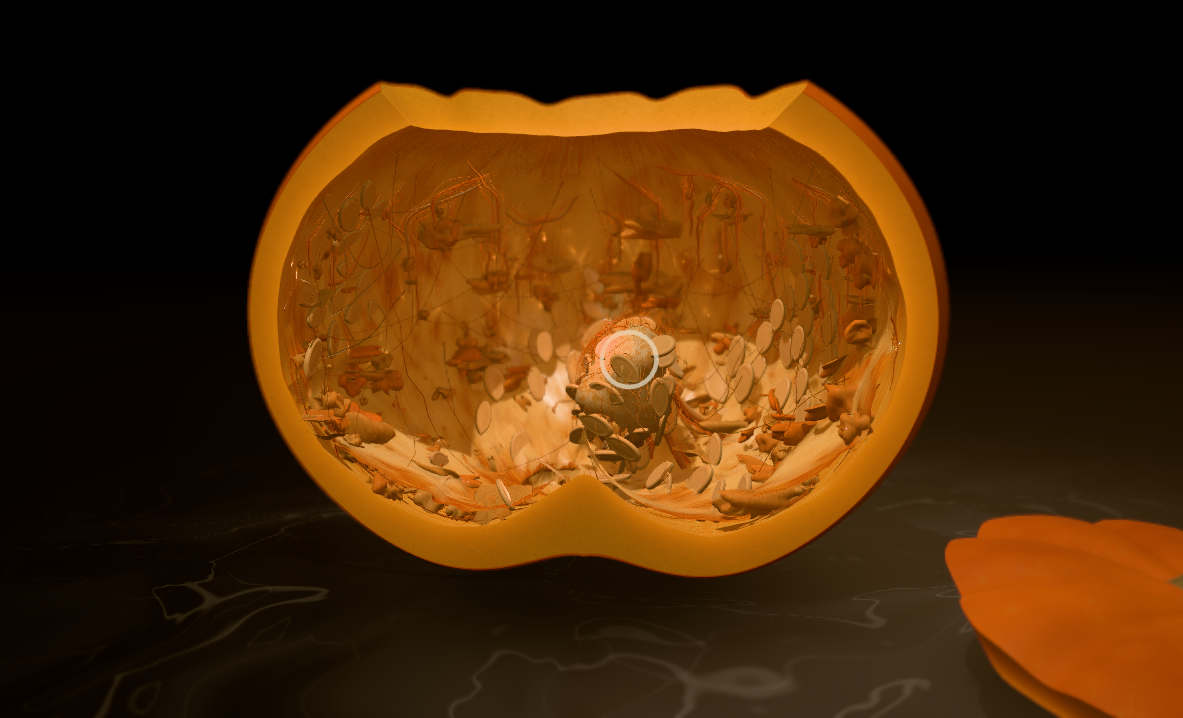
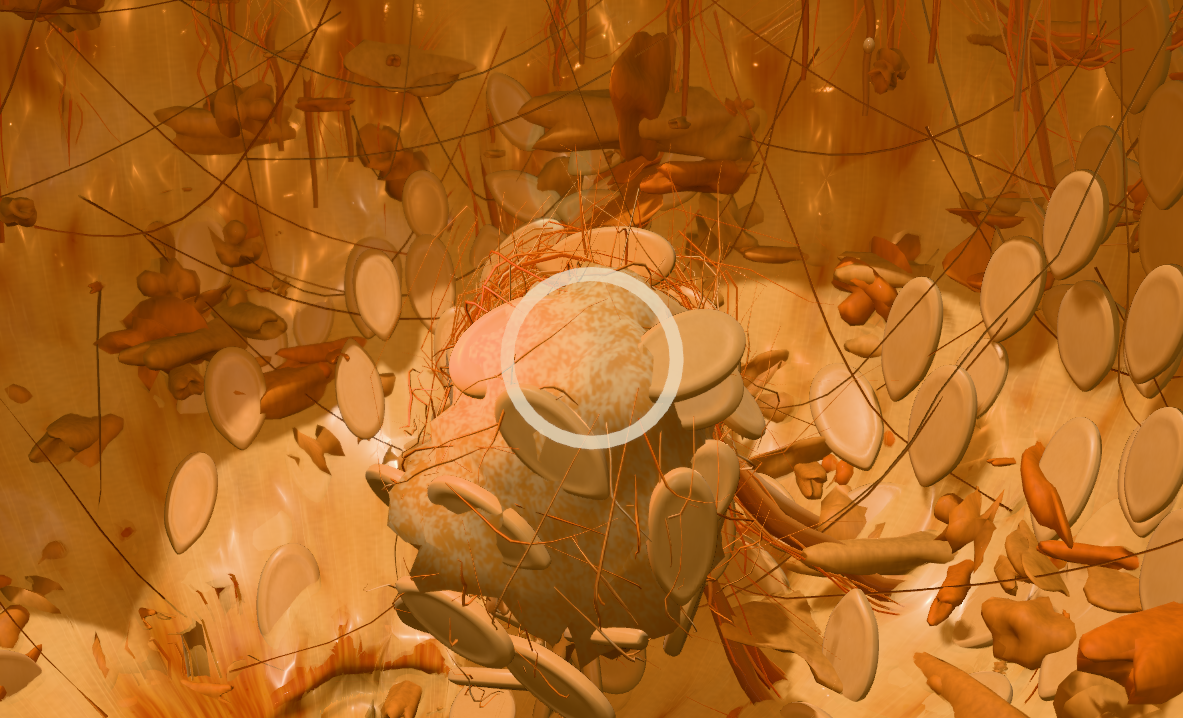
A small simulation moves connected guide particles. Distance and bending constraints give them structure; breakable attachments hold pulp to the wall. Many visible fibres follow those guides, separating visual detail from simulation cost.
The app uses a custom XPBD-style constraint solver with small substeps. Compliance lets connections yield; damping, bending limits and controlled tearing make fibres peel, bunch and settle. The established methods are XPBD and Small Steps in Physics Simulation.
Rapier 0.21 was explored separately for deformable pulp and rigid seeds. It remains an optional lab engine. The shipping scoop uses the custom solver.
The scoop, pulp and seeds must respect the cavity and actual opening, even during a fast gesture. When scooping removes flesh, it asks the shared carving system to update the wall too.
Connected guides, compliant constraints and breakable attachments
Clumped fibres and seed placements following the guides
Keep the scoop and pulp consistent with the current cavity and opening
A drawn loop
has to become a solid cut.
A removable piece needs a cut wall, clearance and a direction in which it can leave the pumpkin.
Give the piece a way out
Piece seated. The rear opening is 83% of the front width.
A checked outline becomes a signed distance field: a function describing what lies inside or outside the cut. It defines a three-dimensional tool. Manifold subtracts that tool from the remaining shell and intersects it with the shell to create the plug.
Draft is the inward cut angle; kerf is the gap left by the blade. Together they let the plug move through its opening. Overlap checks at five pull positions catch trapped pieces, though they do not prove continuous clearance.
Later cuts use the retained shell. Surviving faces keep their material coordinates; new walls inherit skin fraction, flesh depth, thickness and cut direction from the paired surfaces.
Cutting and removal are separate history events: undo reseats a piece before restoring its wall. Mirrored pieces share a cut but have separate removals. Validation at display precision catches thin-geometry failures; refusal preserves the pumpkin and history.
The studies below test the knife-cut finish, where mirrored cuts can go, how a pupil stays attached and what causes repeated corner fins. The images below are recorded lab results.
Give the cut a knife’s character.
A perfectly regular cut can look machined. The finish study adds controlled edge variation, directional knife marks and short attached flesh fibres. The goal is a sliced wall with small irregularities, while keeping the intended expression legible.
Edge variation changes the cutting boundary before the solid operation. The opening and its matching plug therefore change together. A saved seed makes the variation repeatable when an earlier cut is edited and later cuts are replayed. The knife-mark pattern gives exposed flesh a direction; the fibres are separate, short pieces of geometry attached to the cut wall.
Angle, Edge and Fibres have separate controls and a reversible preview. Angle also changes the rear opening: a steep inward cut can leave a blind recess even when its front outline looks open.
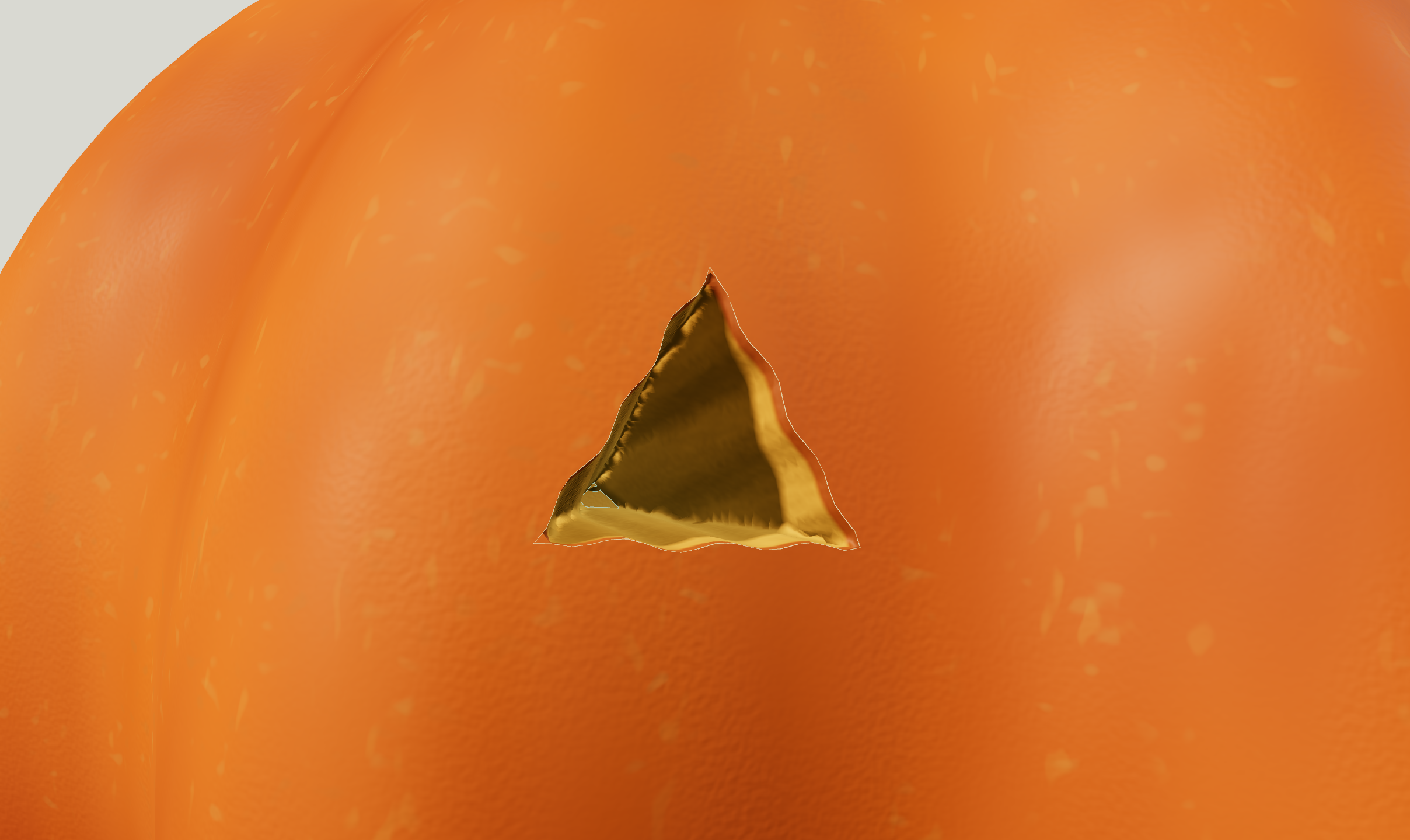
This was progress toward a hand-cut finish, with visible limits: fibres could bunch into clumps, facets interrupted the walls and some flesh stayed too dark under the interior lamp. The captures record those findings rather than a finished claim of realism.
A mirror has to find the actual surface.
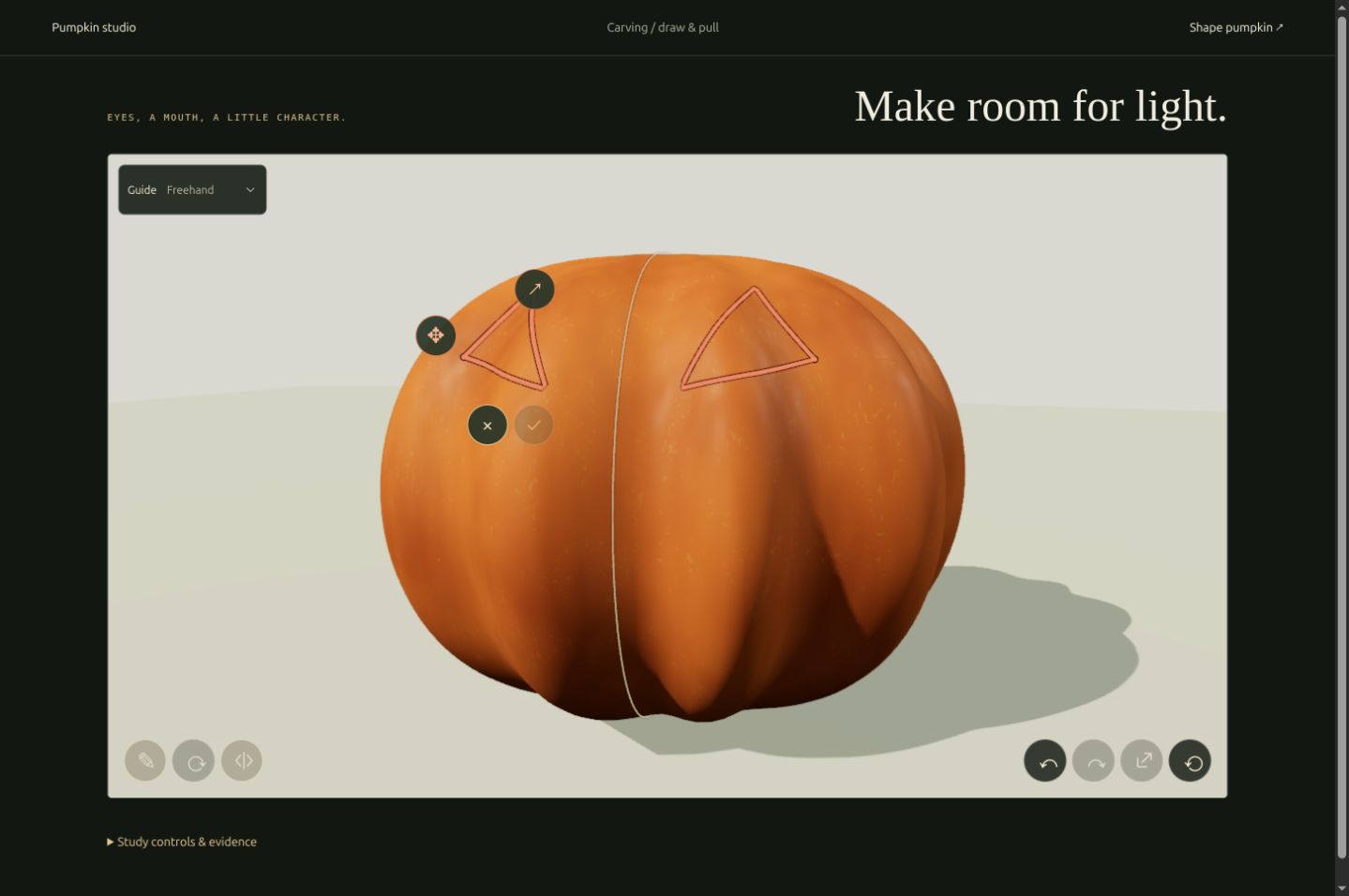
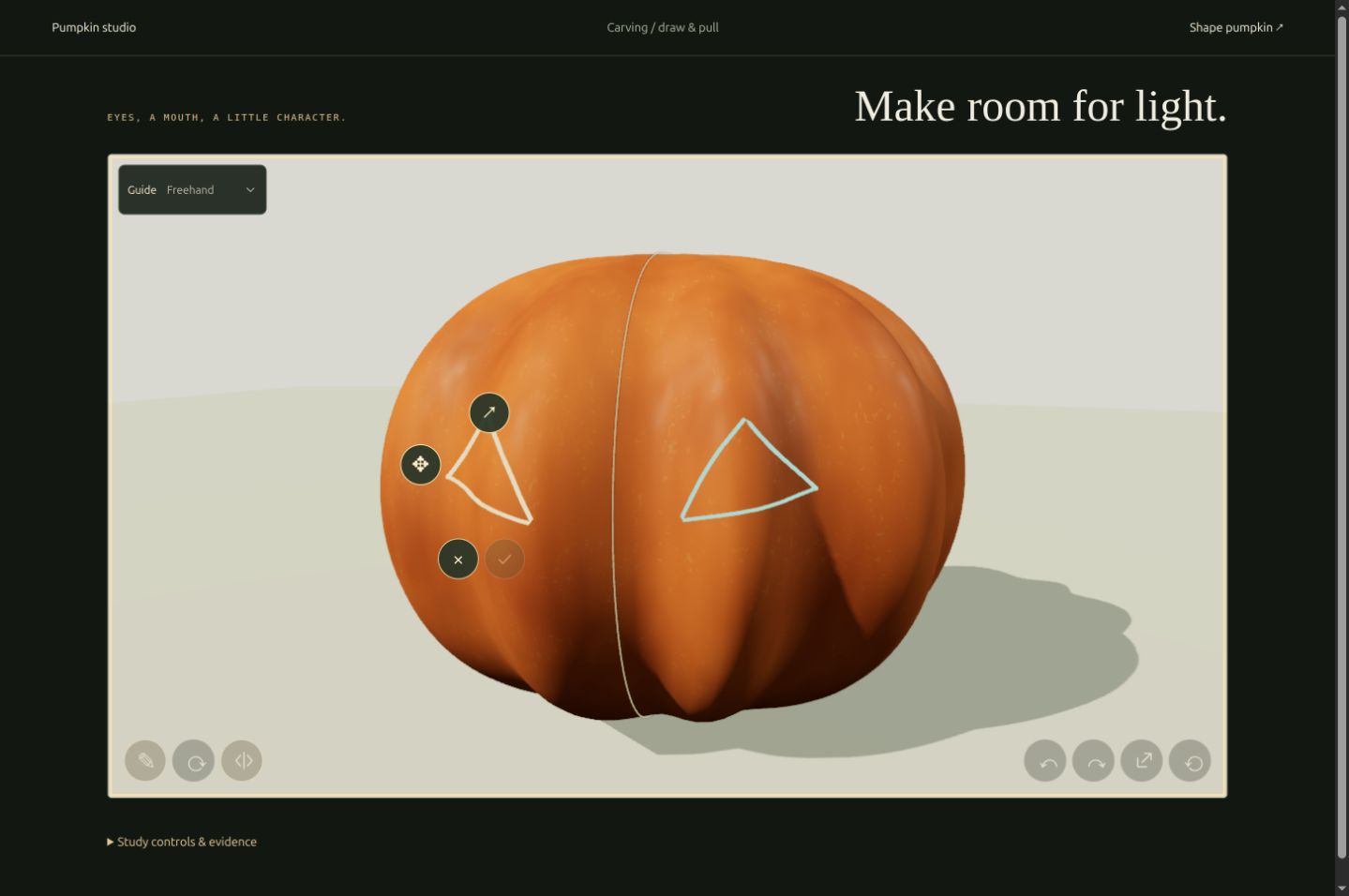
The mirror reflects an outline across a chosen vertical plane, then finds the actual rind on the other side. Both paths follow their own ribs and depth. A path that falls off the face is refused.
The first test looked ready over the solid shoulder, where there was no cavity behind the skin. Checking the inner mesh exposed the problem before submission. Moving the outline onto hollow wall made it cuttable. The current app also samples the cavity and cut direction to show where cuts are possible; the final solid operation checks the result.
Leave a pupil, keep a bridge.
A ring-shaped cut can leave a floating pupil. The current cutting path checks whether the remaining pumpkin is one connected solid, refusing detached skin islands, however small. Enclosed cavities count as voids, not loose pieces.
This C-shaped eye leaves a narrow bridge above its pupil. Three inward cut angles keep the same front outline, pumpkin and camera. All stay connected; a steeper angle leaves more support behind the skin but a smaller rear opening.
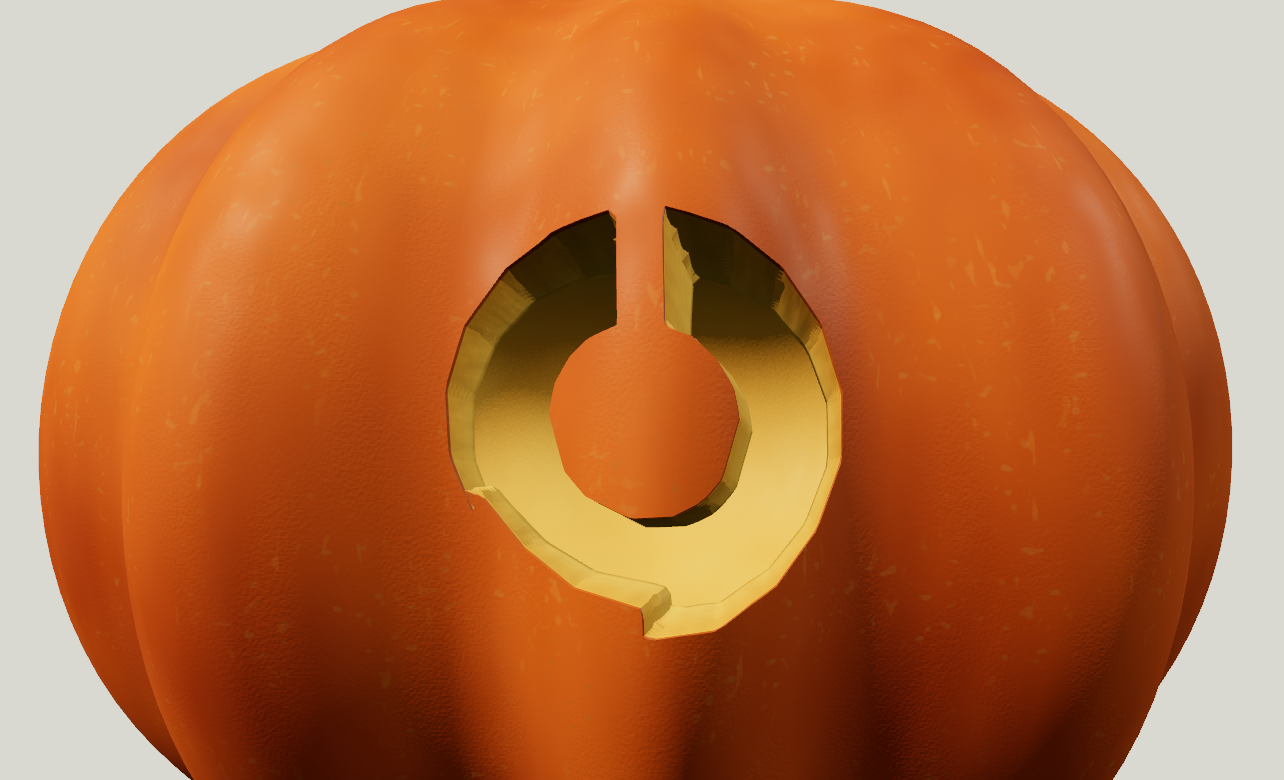
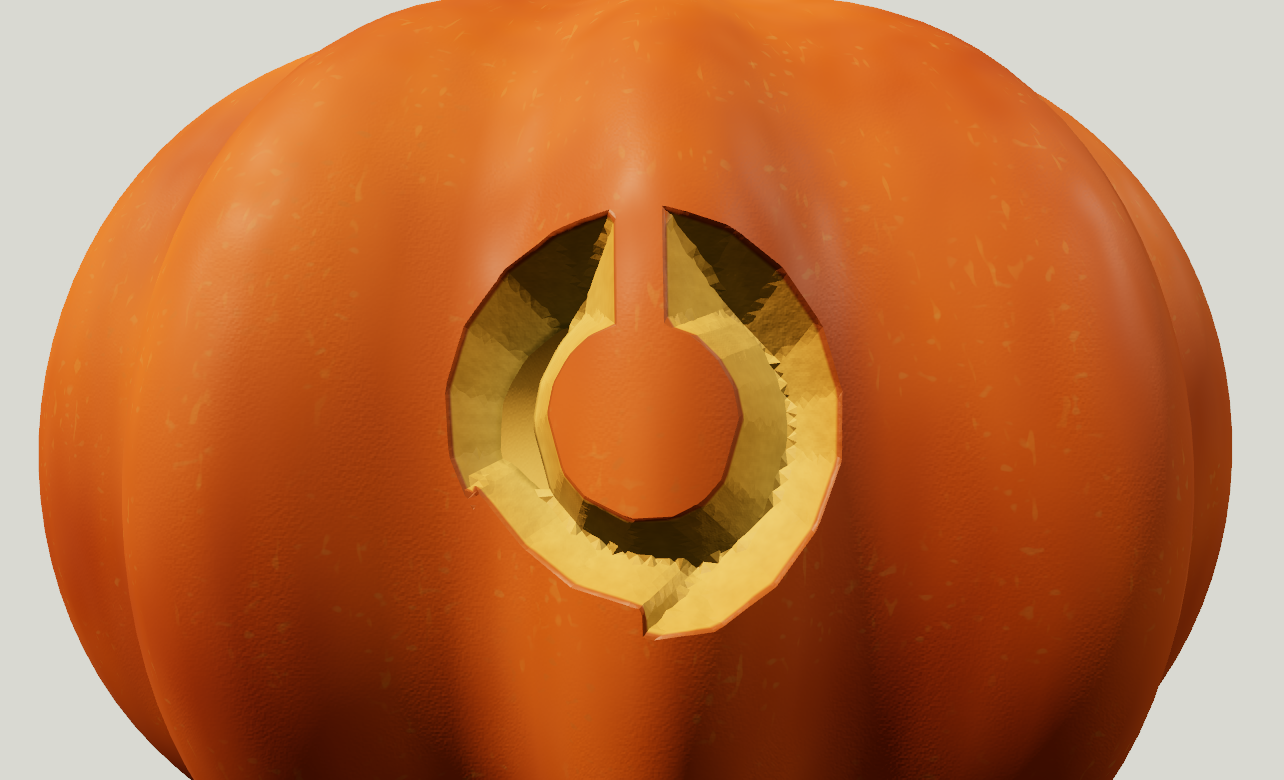
One sampled rear gap shrank from 0.170 to 0.089 to zero in scene units. Connectivity does not establish bridge strength or transmitted light. A separate ring cut in a solid test block was refused; adding a bridge restored one connected result.
Trace cleanup fills internal holes while preserving outer concavities. The final solid still needs its own check. An explicit floating-island option was considered; it remains unimplemented and would need separate object and physics behavior.
Fix the corner in the geometry.
The fins came from triangles crossing the junction between cutter walls. Explicit corner edges removed those wedges in this convex test. The outline, angle, blade gap, material and light stayed fixed.
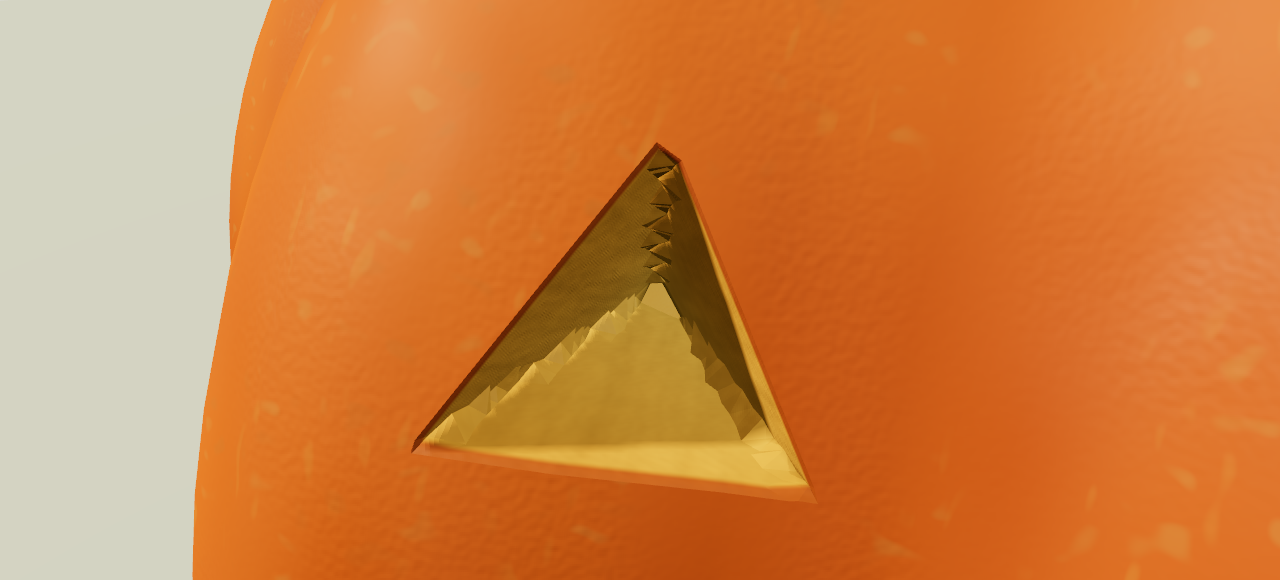
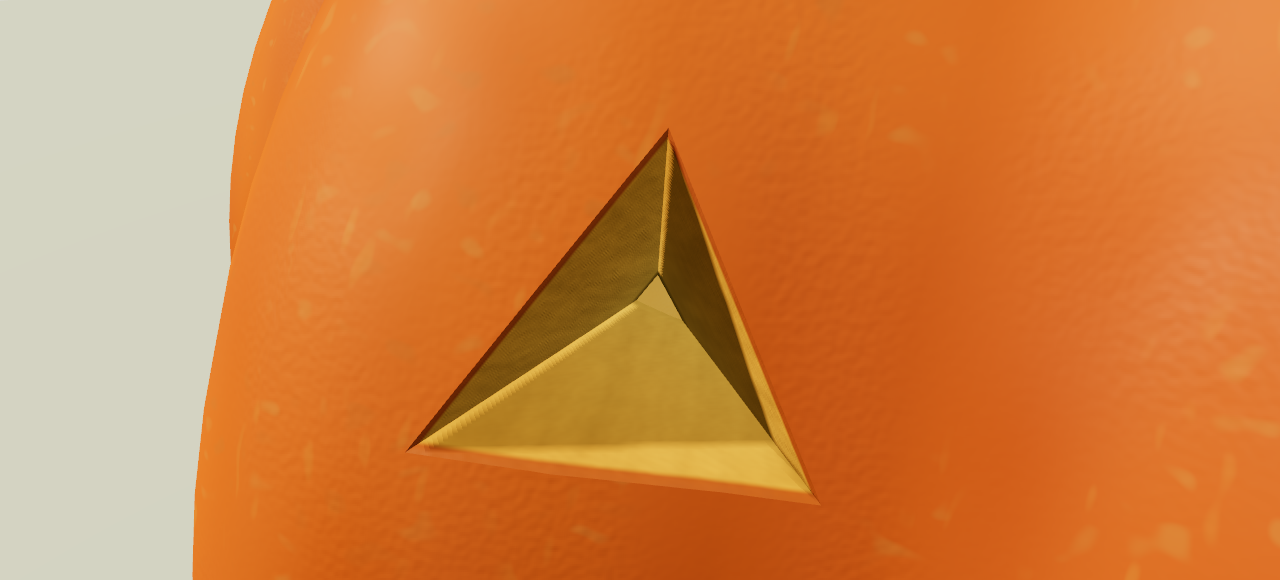
The correction also survived a plain clay view, pull-clearance checks and saved-cut replay. Existing cuts keep their geometry version, so a cutter update cannot silently change earlier work.
Shaving leaves flesh behind. The slab study below isolates removal depth, exposed layers and light.
What scraping borrows from snow.
A footprint changes digital snow where the next step lands. The scraping lab borrows that persistent surface idea from Sumner, O’Brien and Hodgins’ sand, mud and snow research and Colin Barré-Brisebois’ deformable snow work for Batman: Arkham Origins.
A heightfield stores one surface height per grid point. The tool lowers only the columns it touches. Comparing original and current heights gives removed depth; measuring down to the back gives remaining wall thickness.
Depth reveals skin, the pale layer and deeper flesh. Another texture records cut age and stroke direction, so fresh cuts can look wet and fine marks follow the tool.
Repeated passes initially dug cups where strokes crossed. An even-depth stop limits removal relative to the original surface. Flat scraping and drawn-region shaves use the same limit to make controlled light-and-dark areas.
Scrape through the layers
Flesh exposed. 60% wall remaining at the deepest point. Backlight on.
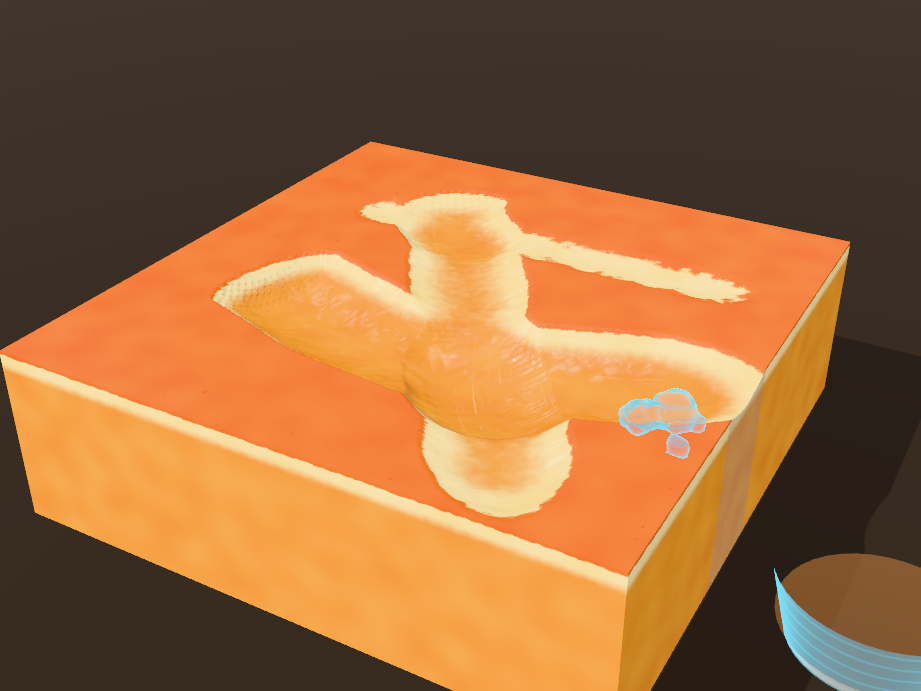
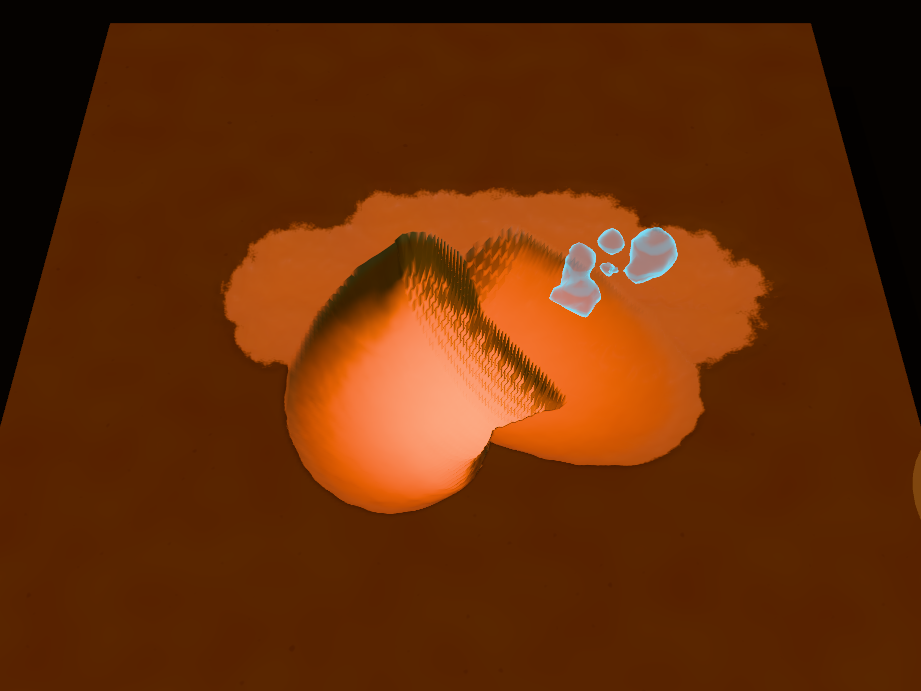
The backlight test reads that same thickness data: intact skin stays dark while thinner flesh brightens. A heightfield cannot represent an overhang or a scoop beneath intact skin. A three-dimensional distance field could retain an undercut; a pushed mesh stretched and lost volume. The heightfield was the cheapest useful option for shallow work. Joining that detail to curved-shell solid cuts remains separate integration work.
The thickness
becomes the picture.
A hole, a thin shave and a thick wall should each respond differently to the same light.
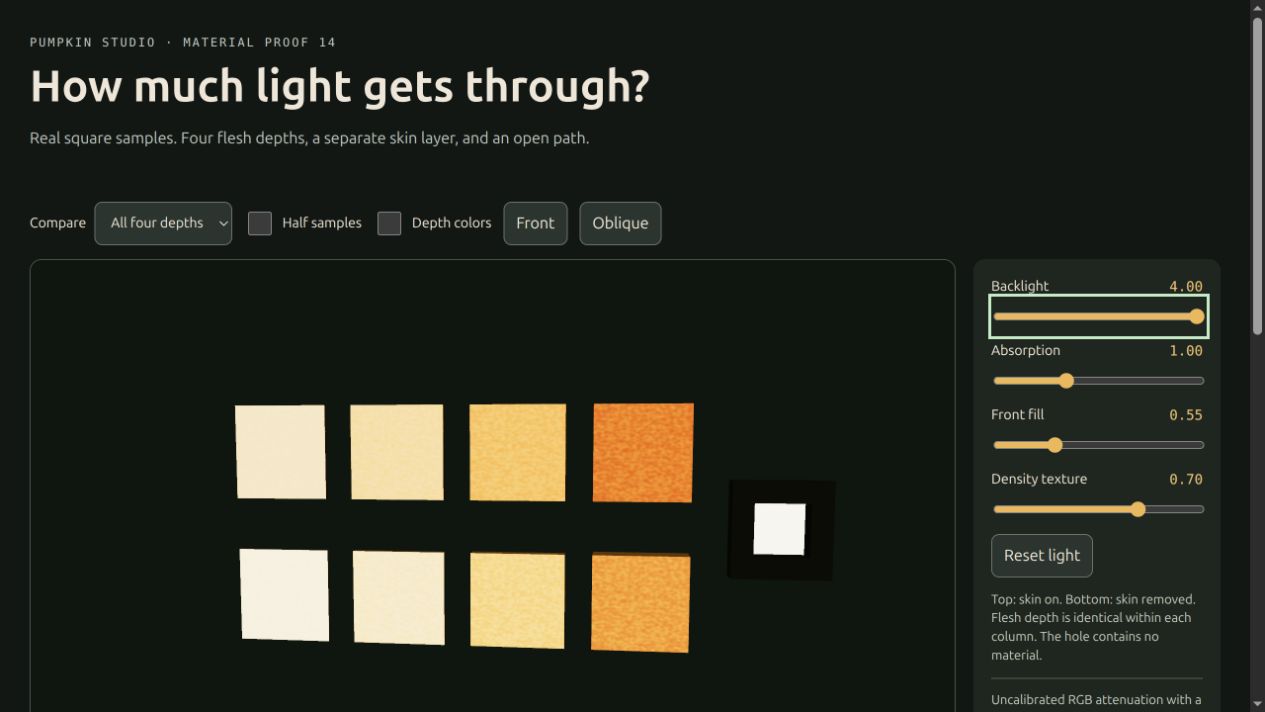
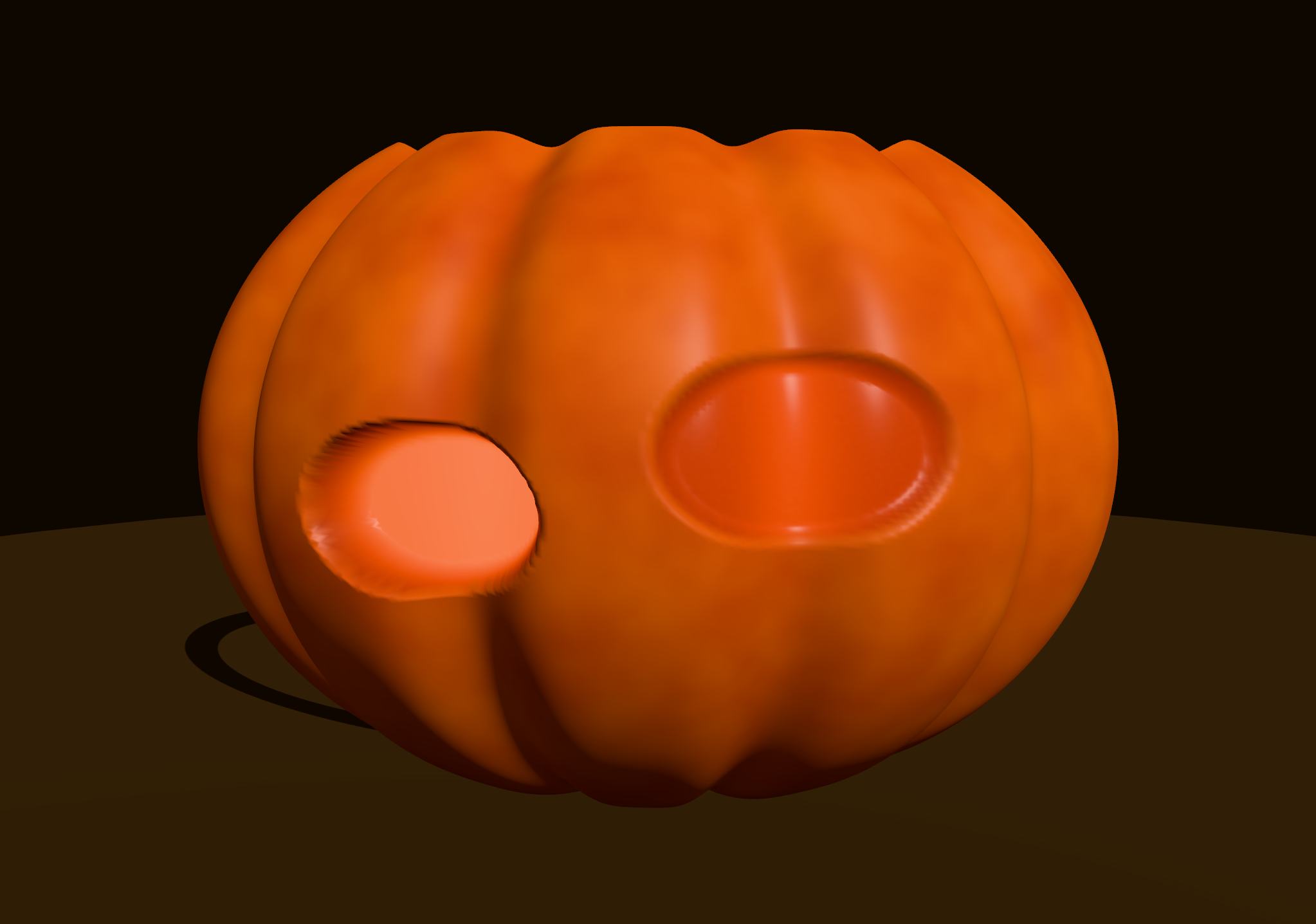
Transmission reads the actual point light, wall geometry, skin fraction and thickness. Colour-dependent exponential attenuation, from the Beer–Lambert family, absorbs more light along longer paths. Thin flesh glows more strongly; thick flesh darkens and shifts colour.
A through-cut exposes the cavity. A shave leaves a translucent wall. Moving the light changes both through the material model.
A shared diffuse cavity approximation adds bounced light to the lining, cut walls and shaves. It uses source power, surface area, opening area and authored albedo to estimate repeated illumination.
Local transmission and simplified cavity lighting make depth readable in real time. Full subsurface scattering and ray-traced global illumination remain outside this model.
The difficult part
is making them agree.
Shape, texture, scoop collision and light all need to describe the same pumpkin.
A shared recipe, material coordinates, cavity queries and undo history connect the systems. The interior loads when scooping needs it; geometry work runs in a worker. The first interaction should not wait for every tool.
A link can carry the design.
The share payload includes the recipe, lid and carving outlines, removed-piece choices, paint strokes, lighting and display setting. The receiving app rebuilds from that description. Heavy meshes and the live simulation stay local.
Sharing supports a compact server-backed link, with a compressed, self-contained link as a fallback. The latter stores its data after the URL’s #. Opening a shared pumpkin creates a separate visiting draft, preserving the recipient’s own saved pumpkin.
Payloads have explicit versions and upgrade steps. Later engines replay the saved outlines against the recipe, so the design remains editable without promising identical pixels across future renderer changes.
The studio and lab captures record different stages of a developing project. Next are clearer motion sequences, broader geometry tests and continued touch and browser testing. The aim stays simple: handle the mechanics so the maker can shape the pumpkin and its expression.
Try making a pumpkin