Inside the iris.
Can glass keep its material character while responding directly to a person? This study connects an image-based appearance target to moving geometry, layered transmission and a scroll-driven homepage feature.
An opening, then a focus.
Nine blades reveal a landscape. Scroll brings the terrain’s contour and bright probe into focus; reversing the scroll closes the aperture. A tap acts as a shutter and changes the scene.
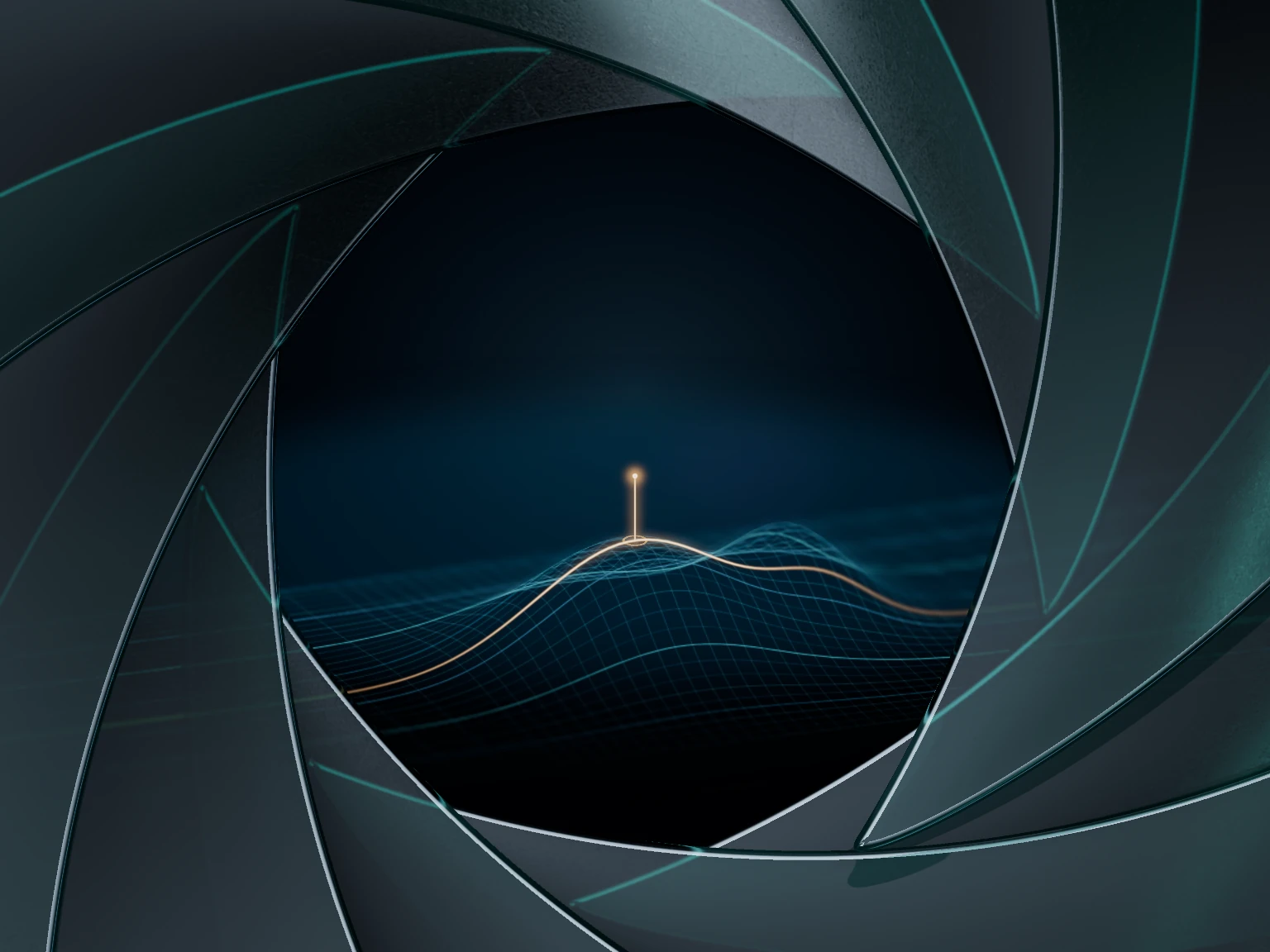
The homepage puts it together.
Blade motion, depth of field and the landscape share the interaction. The material workbench below separates those concerns: fixed receiver patterns make light, finish and lensing easier to judge.
Try the homepage featureActual native frame. A functional personal experiment; material matching and phone performance remain under refinement.
A material you
can move.
Open the iris, move the light, change the finish. Follow the walkthrough or find your own treatment.
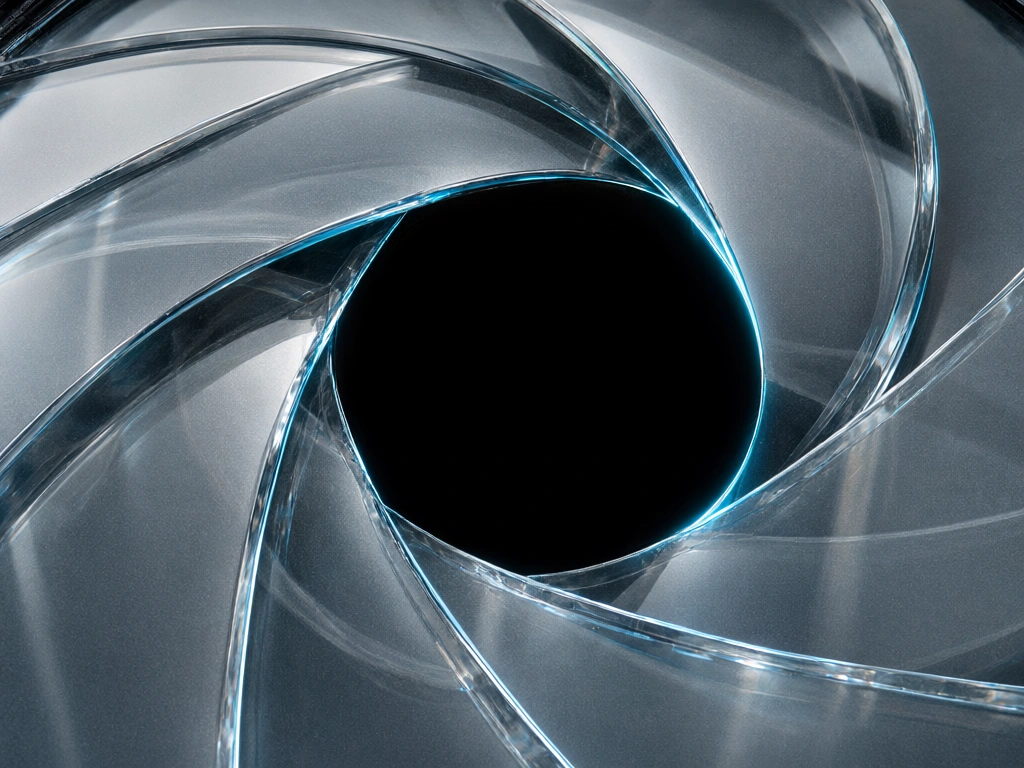
How the iris is made.
Take it apart, one effect at a time. Each step updates the same live iris.
Start with the shape.
Six controlled comparisons: shape, layered transmission, light, finish, lensing and rim colour.
Choose a step. The iris and comparison buttons stay in view while you explore the controls.
Brass is a material variation below. The homepage crop and pupil focus are part of the homepage composition ↗. The camera and stacking remain constrained approximations. References & limits ↗ · Mix colours ↓ · Try the homepage focus ↗
The live material loads when it comes into view.
The rendered material templates and settings. Includes lighting and capture requirements.
Source becomes available after the first rendered frame.
View shader source / copy manually
Copy configuration manually
A study in progress. Fine grain changes the surface response; geometry, reflections and refraction stay in the renderer. The receiver patterns isolate lensing and colour splitting. The terrain and scroll-driven focus live on the homepage. Follow the texture method ↓
Keep the grain.
Leave the lighting.
A surface image contains more than texture. This sequence separates useful fine detail from broad illumination before putting it on moving glass.

01 / Inspect a clean crop No blade edge or pupil. The small interior patch supplies surface character without prescribing the blade’s shape.

02 / Expand the texture The generated field carries useful grain and unwanted illumination. Its RGB is not pasted onto the moving blade as colour or reflections.
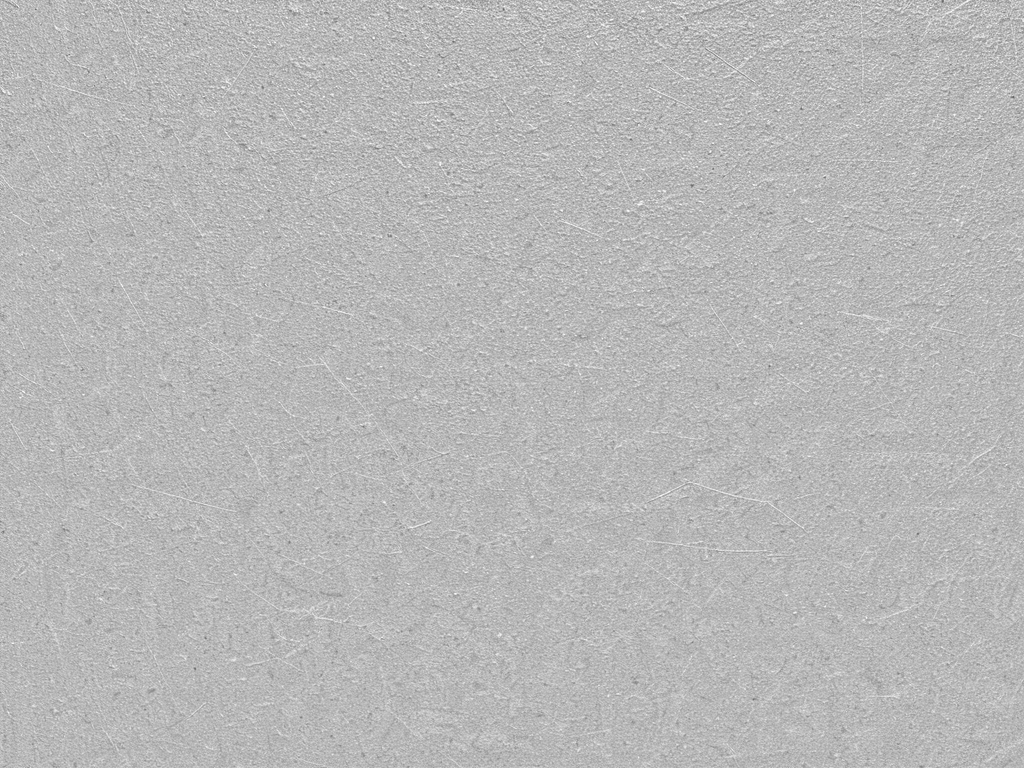
03 / Derive a bounded field Remove broad lighting and limit the fine contrast. Interpret it as roughness and micro-bump in blade coordinates, so it moves with the glass.
FLUX3 image klein / pinned revision 8454017 / seed 2384 / 16 steps. The field is an authored material input, not calibrated PBR or a seamless tile.
Control the setup.
Keep the choices visible.
A fixed front camera and known rear surface make responsive optics feasible in the browser. They also define what this implementation can claim.
What carries across
One blade shape, fixed pivots and texture coordinates keep form and finish coherent. Separate controls expose roughness, thickness, light and colour. Configuration and shader exports record the displayed treatment.
Where the approximation ends
Ordered glass captures are not full light transport. They do not solve reciprocal reflections, a manufactured cyclic blade stack or physically transported caustics. The generated material target and the native result are still distinct.
The useful constraint is a known optical setup. Keep geometry, texture, lighting and interaction separately adjustable, then judge them together in the page.