Articles andexperiments.
Start with a project, try an interactive study or browse all the articles by topic.
Explore a project
Follow a project from its first idea into the tools and experiments that make it work.
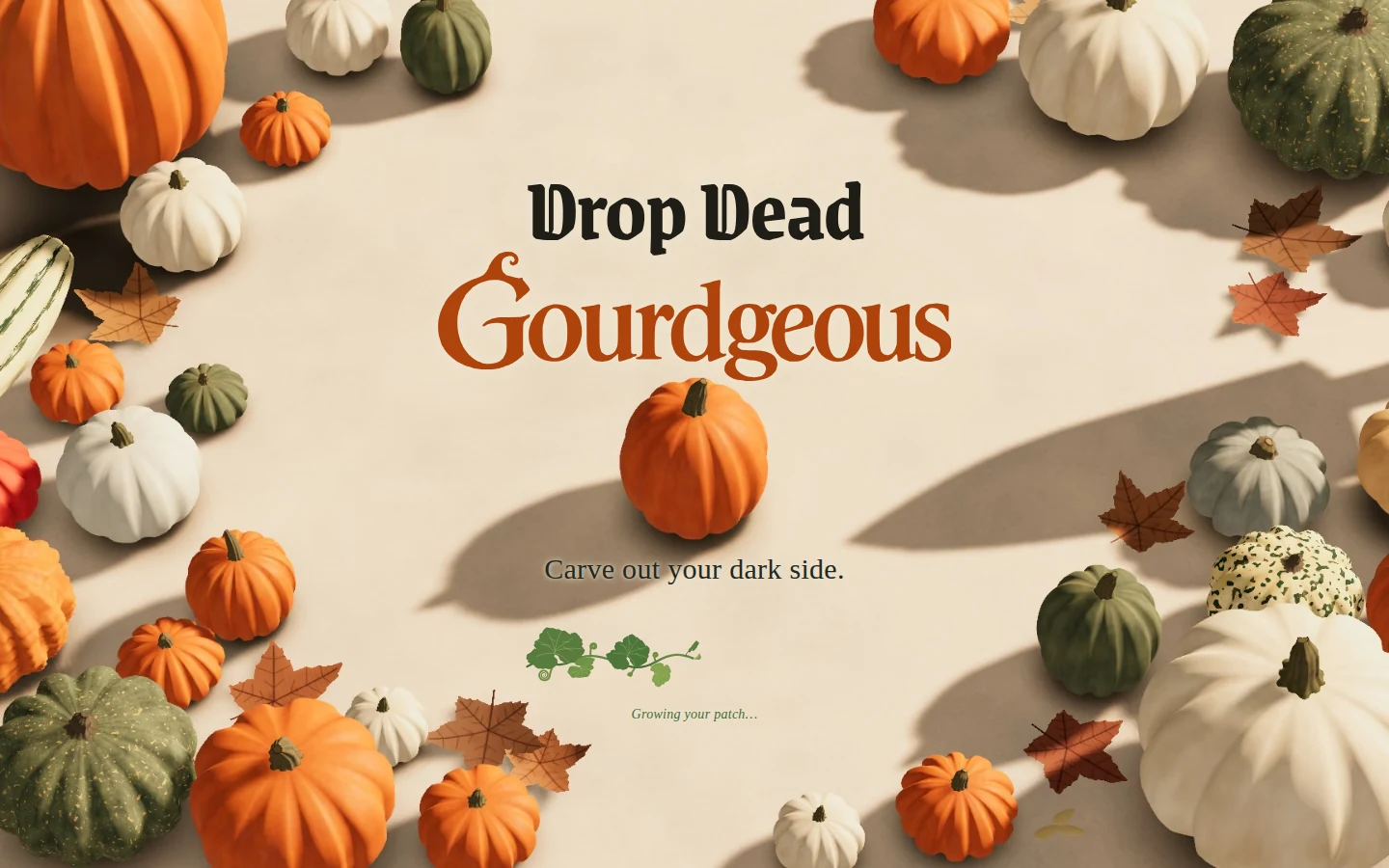
Drop Dead Gourdgeous
Building a browser pumpkin maker: a captured-render opening that becomes a live scene, procedural shapes and stems, carving, painting, candlelight and GPU preparation.
Read the project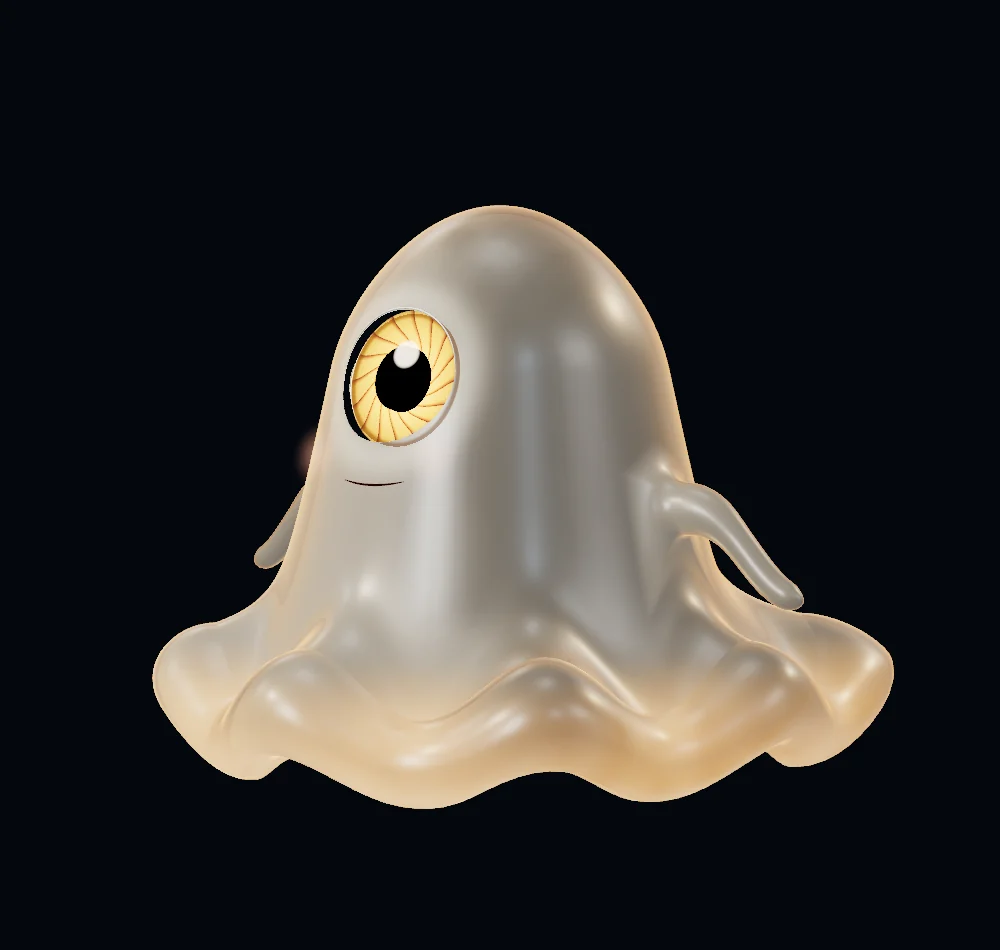
From images to expressive 3D characters
How we turn character pictures into things we can direct: reconstruction, part labels, moving eyes and mouths, expressions, gaze and breathing. Start with the Giant Aperture jelly.
Explore the character seriesTry an interactive study
Explore the homepage iris, play with tactile controls or turn the line sculpture.
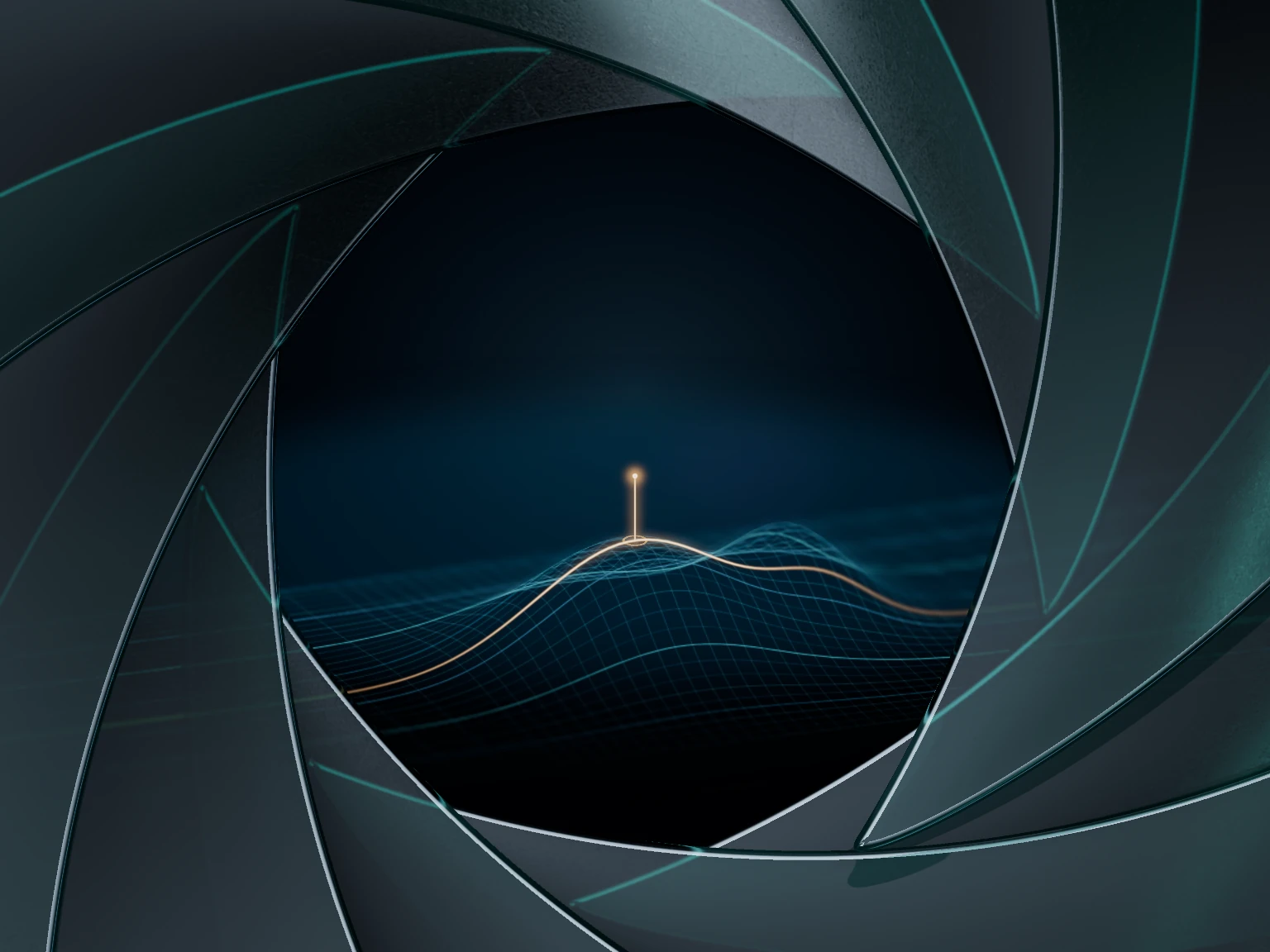
Inside the iris
Interactive study
Nine moving blades and layered transmission. Take apart the material behind the homepage iris.
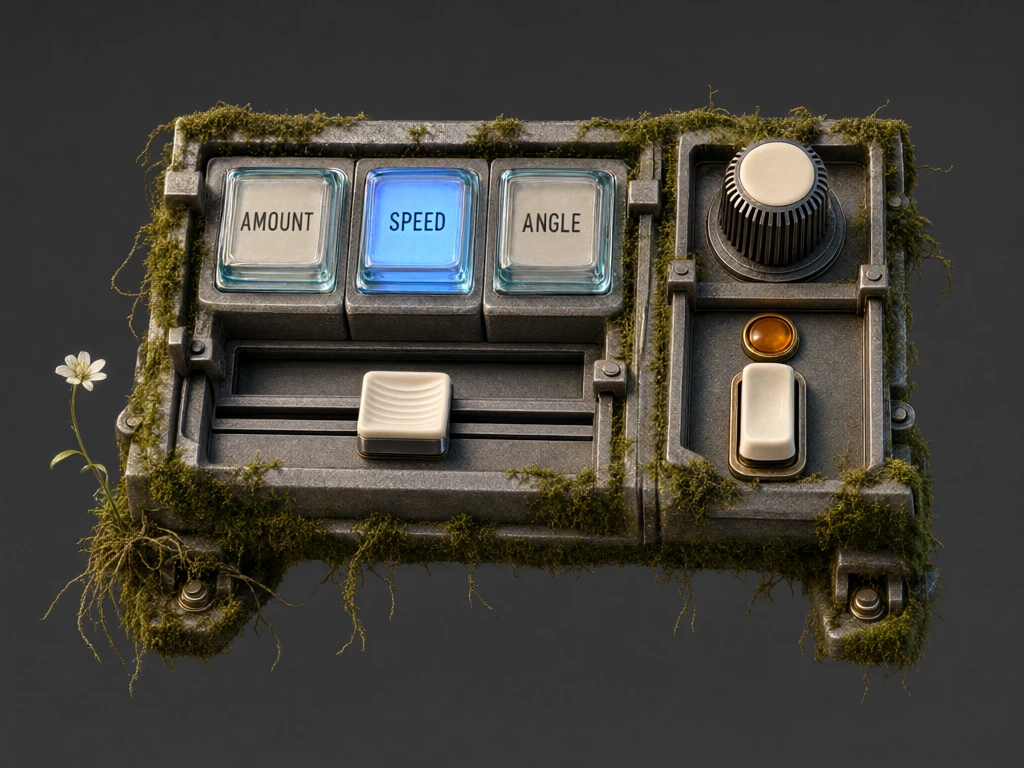
Moss controls
Interactive experiment
Glass, worn metal and soft growth. Play with keys, a knob and a slider made from generated animation frames.
One structure.
Thirteen forms.
Thirteen forms share the same lines. Matching their points lets the browser move between shapes instead of fading between pictures.
Drag or use the arrow keys to turn it, then choose another form. The floor shadow follows its footprint and movement settles after each change.
Vector paths and short animations keep this small enough to play with directly.
All articles and studies
Find a particular method or browse the full collection.
18 studies
Drop Dead Gourdgeous
One editable pumpkin, from shaping and carving to paint and candlelight. Follow the tools and experiments behind it.
Making clean pumpkin cuts
Why convex outlines, explicit corner edges and inherited surface data help a drawn loop become a clean solid cut.
Scraping pumpkins
We borrowed an idea from digital snow. Scrape a patch, control the depth and see what the remaining wall lets through.
Meshes, heightfields and volumes
The same stroke meets three surface models. See why fixed triangles stretch and one height per column cannot keep a roof.
Building a candle maker
Pumpkin tools became candle tools. Follow the wax, wick, melting and light problems we found along the way.
Running a 3D pumpkin app
Getting a good frame is only the start. Follow the loading, profiling and cleanup work behind DDG, then explore what another engine could take over.
Inside the iris
Nine moving blades and layered transmission. Take apart the material behind the homepage iris.
Moss controls
Glass, worn metal and soft growth. Play with keys, a knob and a slider made from generated animation frames.
A friendly giant
Early jelly and lettering studies: the references, folds and materials that helped us find the character.
Building an expressive Giant Aperture mascot
How one eye, a soft body and fourteen acting studies became separate controls for expression and attention.
Turning reference pictures into a useful mesh
Choose what each picture should establish, then find out what the reconstruction actually built.
Giving a mesh meaningful part labels
An ear tool needs more than triangles. Give the mesh useful names, then check what those names let us do.
Making painted eyes look and move like eyes
Keep the character’s drawing while separating moving iris and pupil from the fixed opening, shading and highlight.
Finding an ear and making it bend
Old ear coordinates failed on a new body. Measure the attachment and find how far this ear can bend.
Turning a mouth line into an opening
A smile is one line. Making it open takes lips, corners, an interior and geometry that can move.
Fitting movement to the body in front of us
Fit the rig to this body, then measure where its movement stops working.
Composing expressions and character behaviour
Look inside fourteen expression studies: their targets, timing and what changes in the live stage.
Gaze, breathing and character behaviour
Notice a leaf, follow it, lose interest. Build those decisions alongside breath, blinks and reactions.
A place to investigate.
This is where I try ideas and share what I learn from making them.
It is part of my wider work in software, product development and research engineering.
Services & approach